Loom
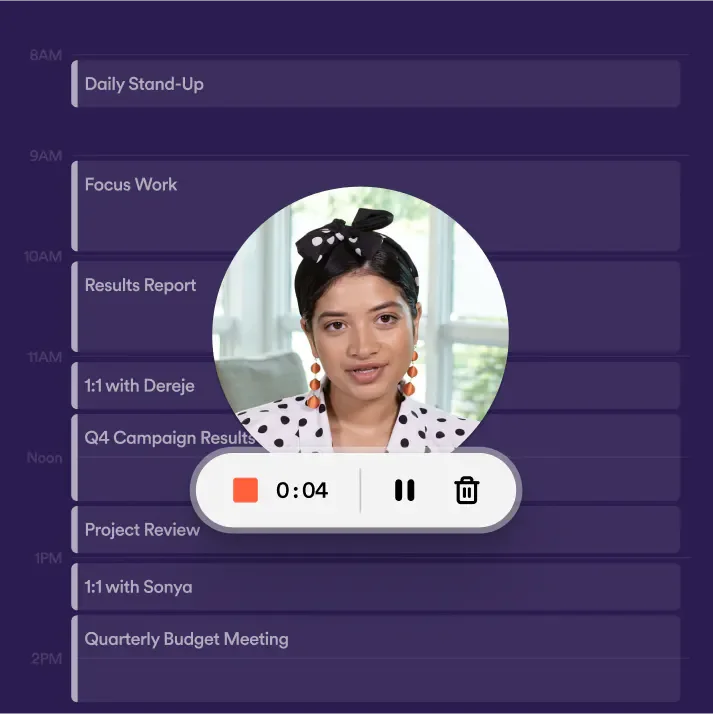
Loom is a video messaging tool centered around screen and camera recording, suited for remote teams, design and engineering personnel, and sales/support staff needing to demonstrate operations. Users can record via browser extensions, desktop, or mobile apps, and share or embed videos via links into existing work tools, allowing recipients to watch at their own convenience.
Product screenshots
About Loom
Loom is a video messaging tool centered around screen and camera recording, suited for remote teams, design and engineering personnel, and sales/support staff needing to demonstrate operations. Users can record via browser extensions, desktop, or mobile apps, and share or embed videos via links into existing work tools, allowing recipients to watch at their own convenience.
Videos can be trimmed, spliced, and enhanced with text or arrows, alongside continuous discussion through transcripts, subtitles, comments, and emoji reactions. Advanced plans offer automatic filler word and silence removal, summary generation, or document creation to connect recordings into subsequent work; teams can also choose video management, viewing analytics, and enterprise security controls based on needs.
Features
- Cross-Device Recording and Screenshots: Records screen and camera via Chrome extension, desktop app, or mobile app, providing system audio, meeting recording, and screenshot features.
- Video Editing and Annotation: Trims and splices clips, adds backgrounds, text, arrows, and boxes to organize operational demos or explain key points.
- AI Editing: Business + AI provides filler word and silence removal, and allows video editing via transcripts.
- Summary and Document Organization: AI features generate titles, summaries, chapters, and tasks, converting videos into workflow documents, Jira tickets, or meeting notes and summary emails.
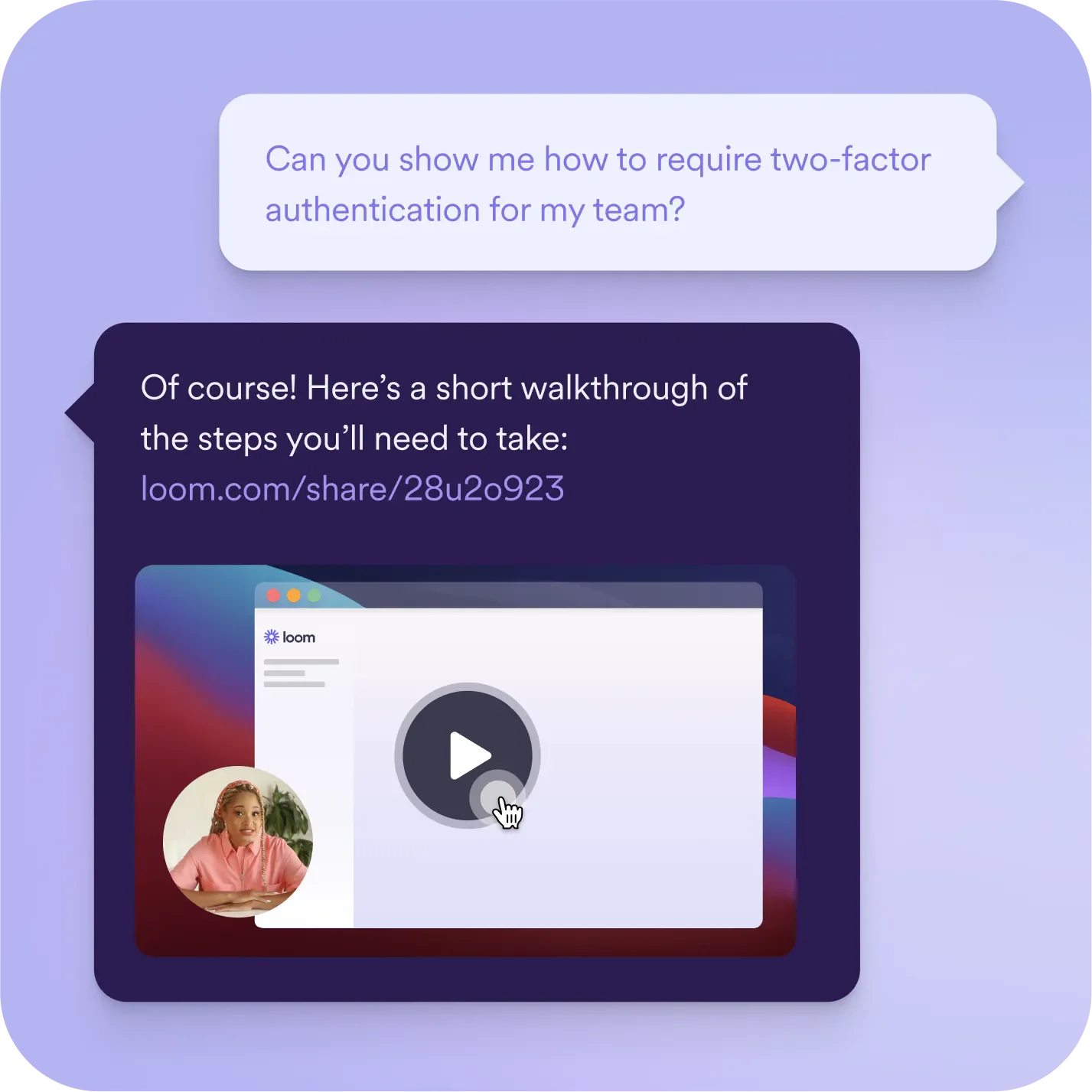
- Link Sharing and Tool Integration: Shares or embeds videos via links and integrates work tools like Slack and Google Workspace.
- Transcripts and Subtitles: Provides transcriptions and subtitles in over 50 languages for easy viewing and comprehension.
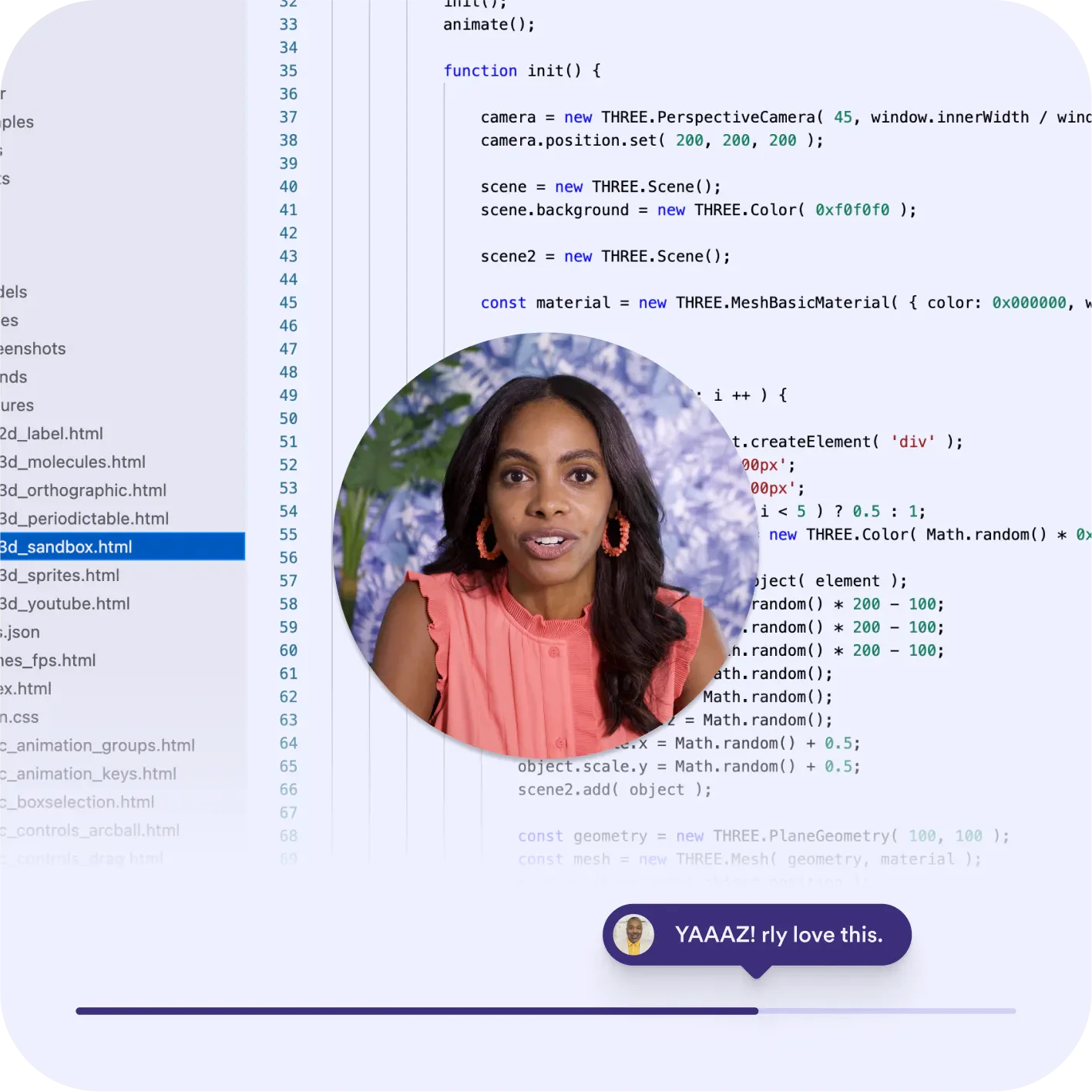
- Video Interaction: Viewers can leave comments and emoji reactions, and creators can add call-to-action links inside videos.
- Video Content Management: Organizes videos using personal, shared, and team libraries, complete with folders, archiving, and plan-dependent search, upload, and download features.
- Viewing Performance Analytics: Reviews viewer and interaction metrics, with exportable engagement analytics available on select plans.
- Personalized Sales Videos: Adjusts prospect names, titles, and company info via the Variables beta feature, with customizable brand logos, colors, and backgrounds.
- Privacy and Enterprise Management: Provides video privacy settings, with advanced plans offering password protection, SSO, SCIM, and custom data retention policies.
Use cases
- Remote design or engineering teams record screens and verbal explanations to share design feedback, code context, or operational issues, supplementing discussions via video comments.
- Customer support creates operational tutorials and troubleshooting videos, providing links for clients to self-serve and reducing repetitive demos.
- Sales reps record product introductions, tailor video info for prospects, add booking links, and view engagement metrics.
Categories: ,AI Resources, Tool Resources, Tutorial Recording, Quick Video Sharing
Pricing
Free Starter; Business listed at $18 per user/month, Business + AI listed at $24 per user/month; Enterprise upon inquiry. Monthly and annual billing available, but public pages do not explicitly state currency or the billing terms corresponding to the listed prices.