Kapwing
Kapwing is an online video creation platform tailored for creative teams, suitable for marketers, content creators, educators, and internal corporate communication teams. Users can create video projects containing multi-layered assets, timing, and sound from text prompts, then edit, merge clips, and add overlays using a drag-and-drop timeline to organize ideas into editable rough drafts.
Product screenshots
About Kapwing
Kapwing is an online video creation platform tailored for creative teams, suitable for marketers, content creators, educators, and internal corporate communication teams. Users can create video projects containing multi-layered assets, timing, and sound from text prompts, then edit, merge clips, and add overlays using a drag-and-drop timeline to organize ideas into editable rough drafts.
It places video generation, subtitles, translation, voiceover, and audio cleanup in the same production environment, while also providing tools for removing silence, resizing, and background removal. Teams can exchange feedback through comments, shared links, and multi-user real-time editing, and save logos, fonts, and color schemes using a brand asset library. The integrated workflow from generation to editing and collaboration is suited for teams that need to continuously produce video content; available quotas and output limits vary by plan.
Features
- Text-to-Video and Scripting: Create videos containing visuals, narration, voiceover, subtitles, music, and characters from prompt words, with adjustable script tone and content.
- Timeline Video Editing: Trim and merge clips via drag-and-drop operations, add overlay elements, and adjust video content.
- Recording and Asset Import: Record screen, camera, and audio in the editor, and support importing content by uploading files or pasting links.
- Automatic Subtitles and Transcripts: Automatically generate subtitles and provide SRT and VTT subtitle files and video transcript download functions.
- Translation, Voiceover, and Lip Sync: Support translating subtitles into over 60 languages and provide text-to-speech and voiceover; Business plans additionally list custom voice cloning and lip sync.
- Audio Editing and Cleanup: Provide audio editing, background noise removal, volume correction, pop reduction, and cross-file volume balancing, with options to add dynamic audio waveforms.
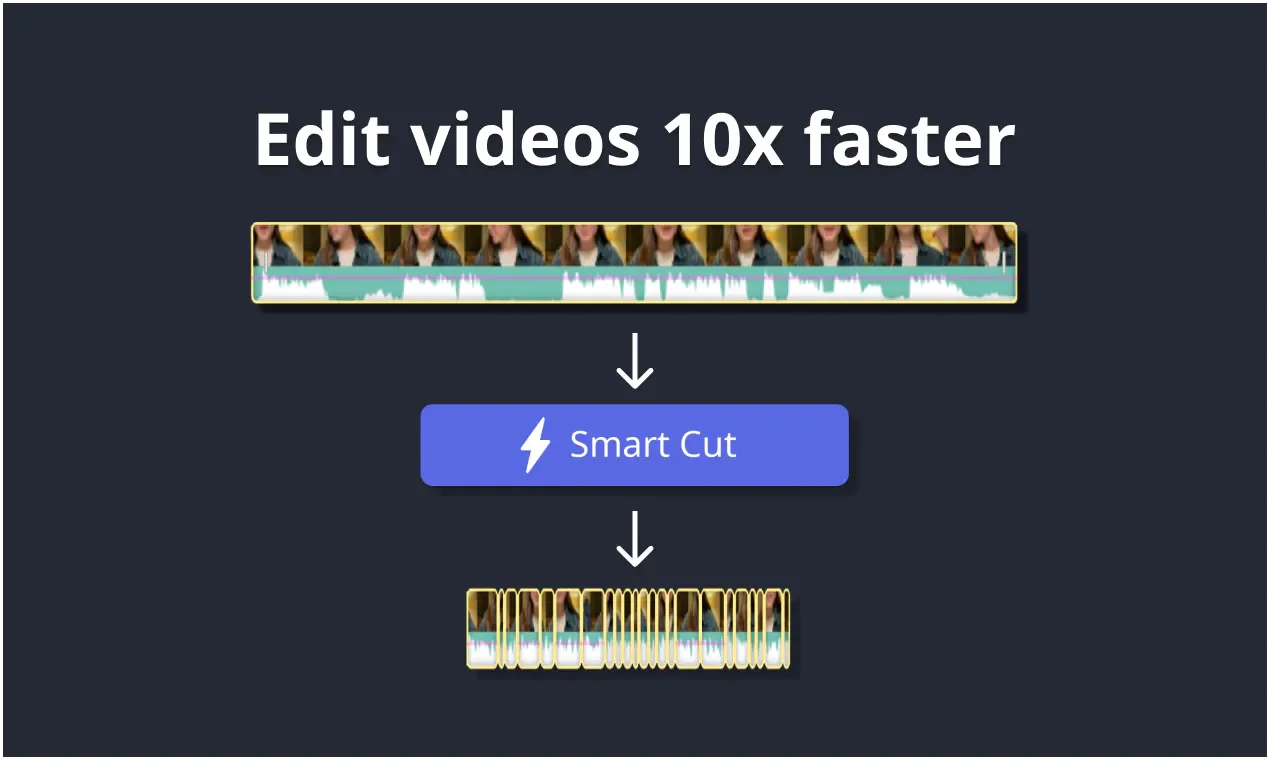
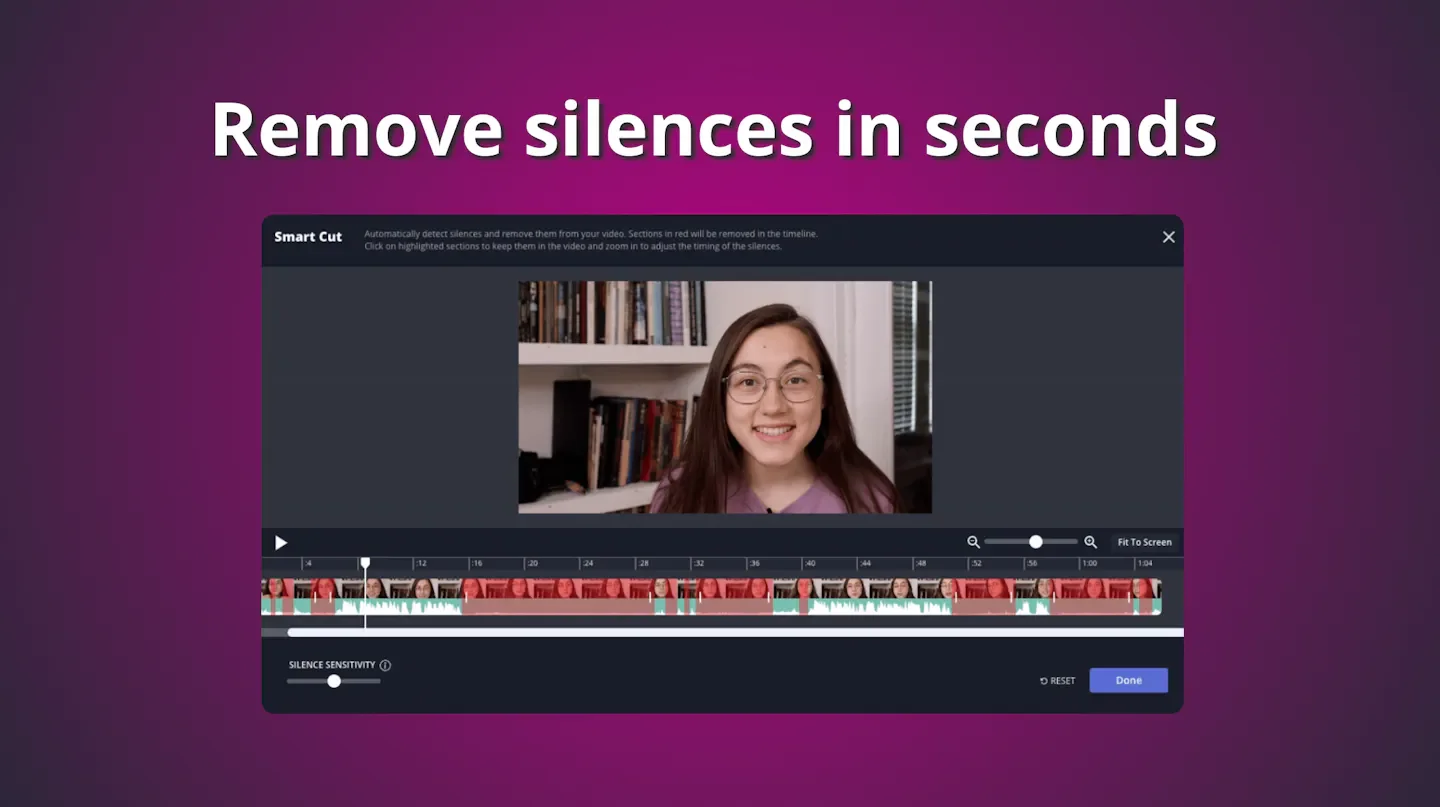
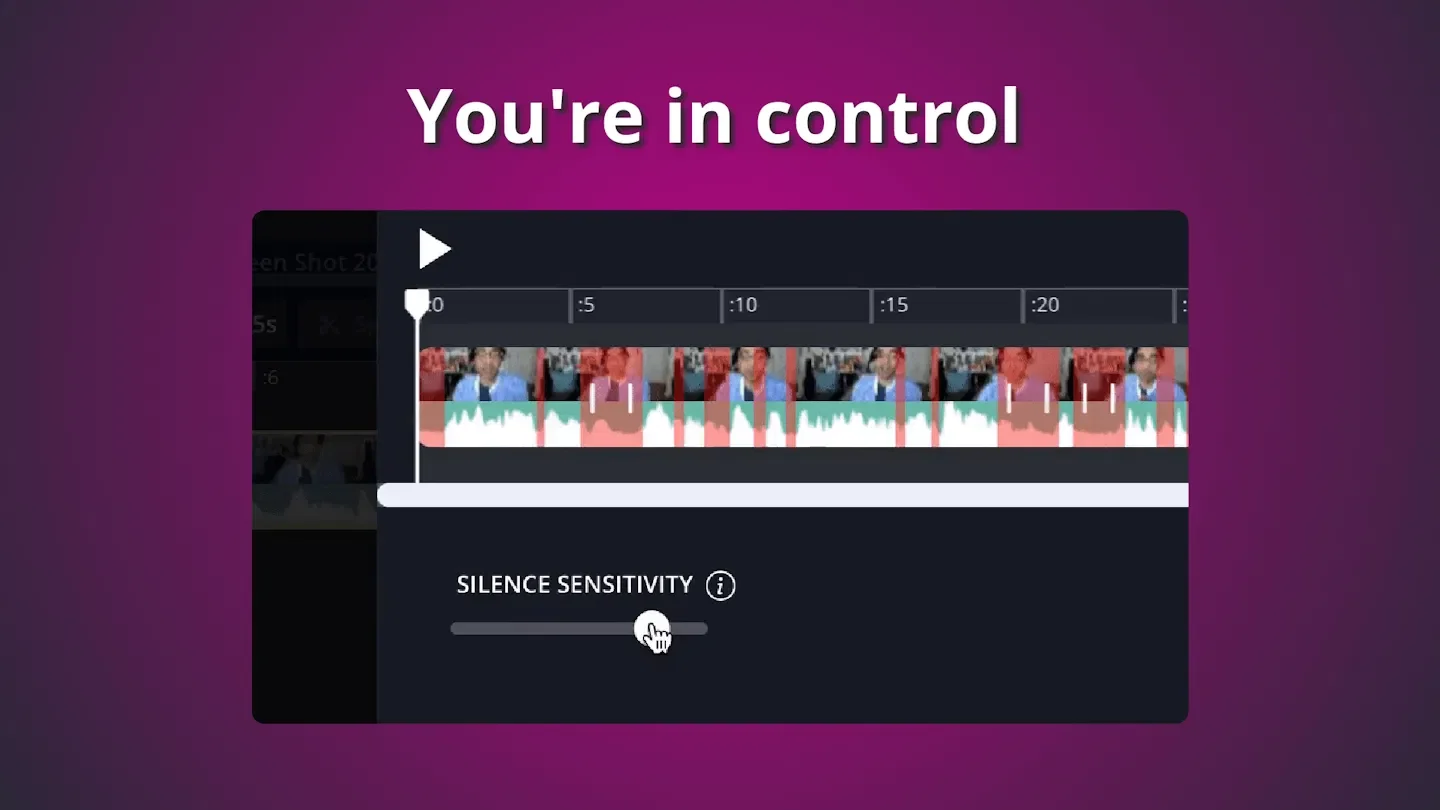
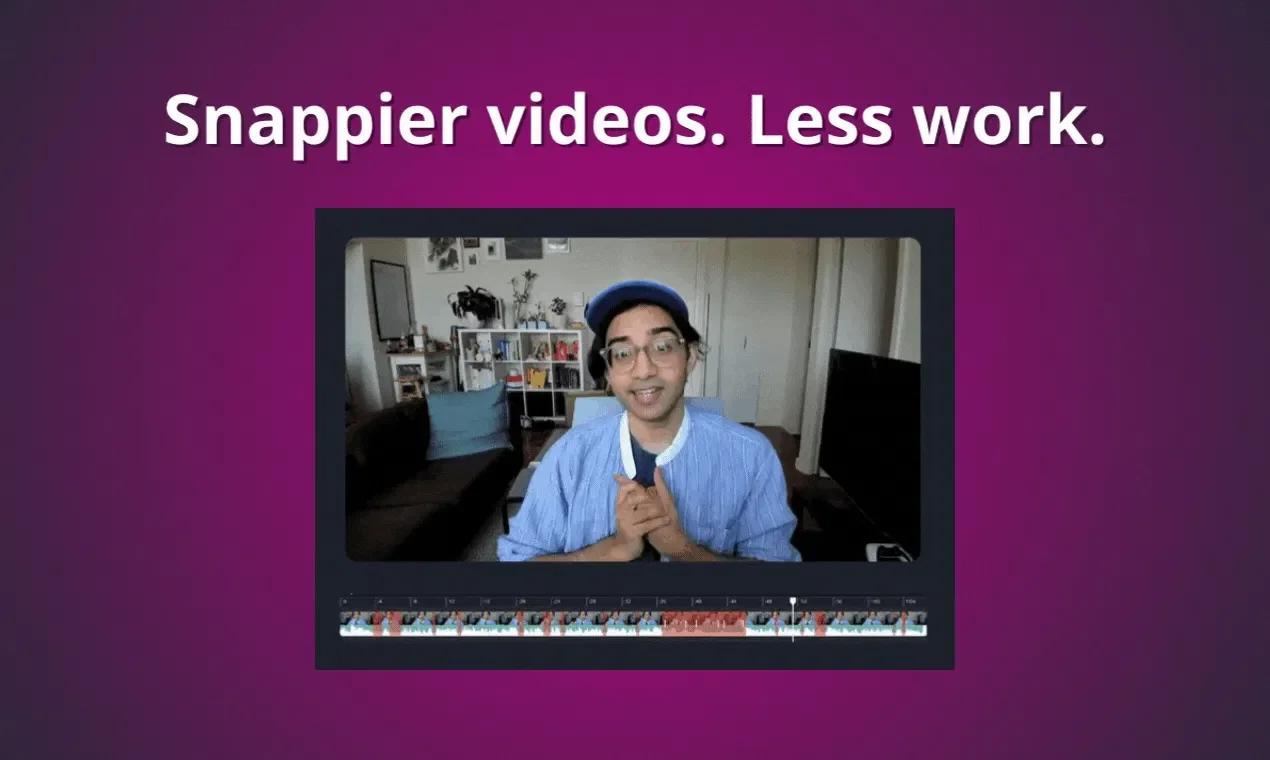
- Smart Editing and Content Repurposing: Smart Cut automatically removes silence from videos, alongside the Repurpose Studio content repurposing tool.
- Resizing and Video Stabilization: Convert video or image sizes, detect scene cuts and create split points, and improve video shaking.
- Background Removal and Chroma Key: Support video and image background removal, turn images into transparent PNGs, and remove specified colors in videos using chroma key effects.
- Templates, Assets, and Transitions: Provide customizable templates, videos, photos, audio, and GIF assets, along with transitions and video effects.
- Multi-type Output: Support MP4, PNG, JPG, MP3, and GIF output; paid plans provide up to 4K resolution.
- Team Real-time Collaboration: Invite members to co-edit, leave comments directly on videos, and share viewing or editing permissions via project links.
- Brand Asset Management: Save logos, fonts, and color schemes with Brand Kit, and support uploading custom fonts.
- Cloud Project Management: Provide cloud storage, workspace folders, and project version history, with options for private folders and private projects.
- Enterprise Login and Support: Enterprise plans provide SAML single sign-on, custom billing, dedicated account managers, and onboarding training.
Use cases
- Marketing teams first use prompt words to create promotional video drafts, then jointly modify the timeline, apply brand assets, and leave comments to confirm content.
- Add auto-subtitles to interview or tutorial videos, translate them into other languages, and pair with voiceovers to produce multi-language versions.
- Trim existing videos, remove silence, and adjust sizes to organize into short clips suitable for different publishing placements.
Categories: ,AI Resources, Tool Resources
Pricing
Free plan; Pro and Business paid plans available, Enterprise requires inquiry (paid currencies and corresponding monthly/annual amounts unverified)