v0
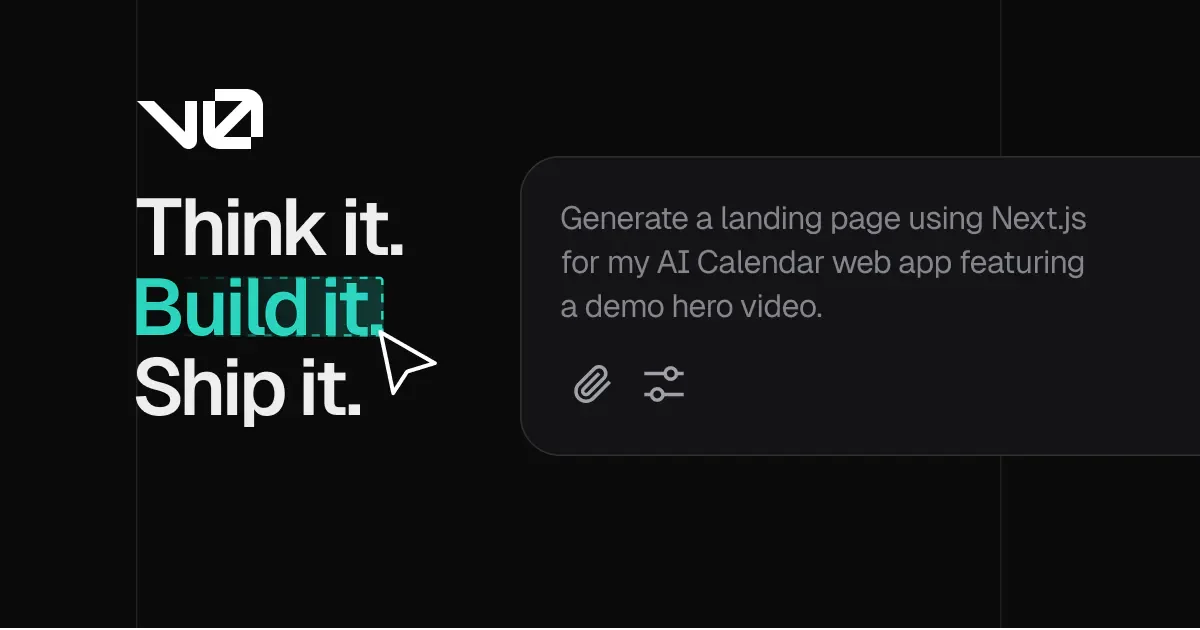
v0 is an AI development assistant that helps build web interfaces and full-stack applications, suitable for product managers needing to validate ideas, designers converting design drafts into interactive interfaces, and engineers developing components or applications. Users can describe requirements in natural language or start from wireframes, mockups, or templates, then continuously modify features, design, and copy through prompts.
Product screenshots
About v0
v0 is an AI development assistant that helps build web interfaces and full-stack applications, suitable for product managers needing to validate ideas, designers converting design drafts into interactive interfaces, and engineers developing components or applications. Users can describe requirements in natural language or start from wireframes, mockups, or templates, then continuously modify features, design, and copy through prompts.
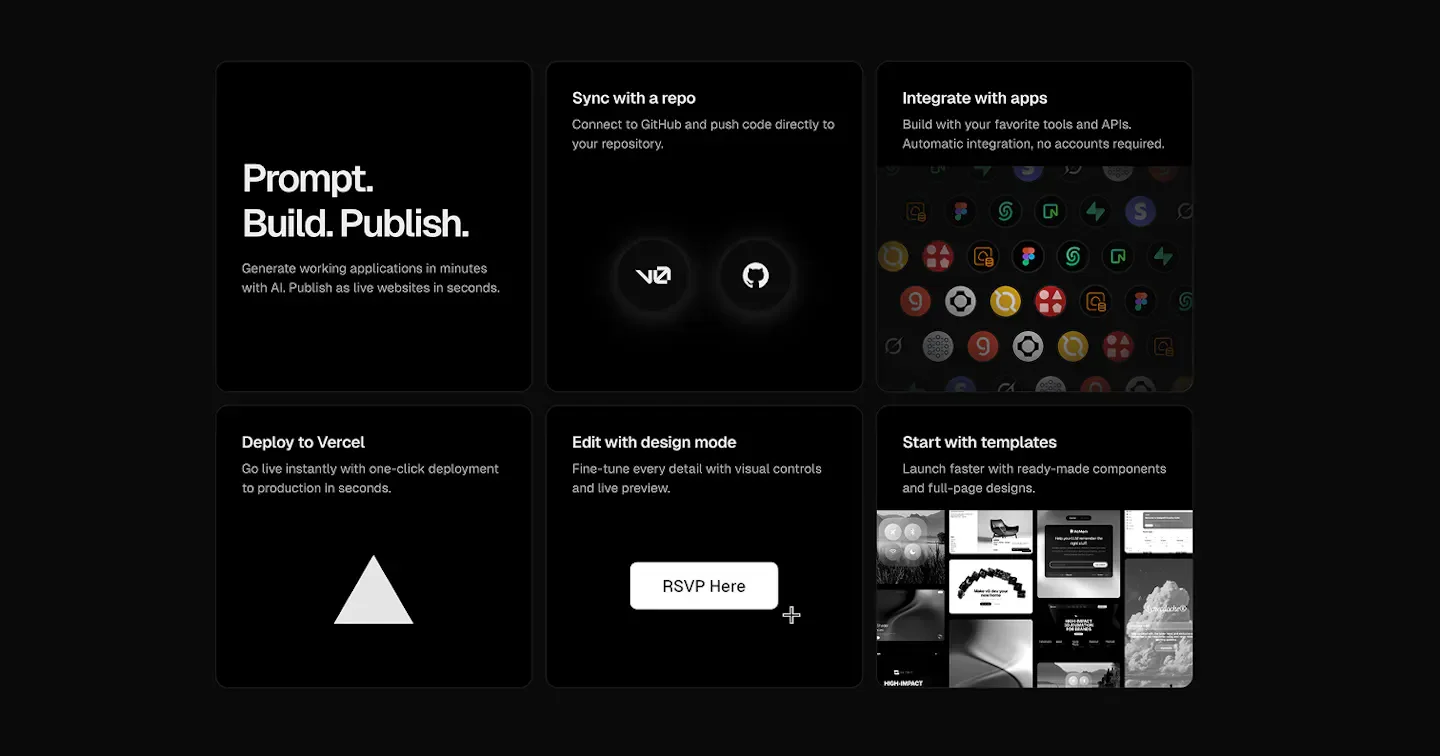
It integrates code generation, visual editing, real-time preview, and backend connection into a single development environment, allowing users to connect to GitHub, submit pull requests, or deploy to Vercel. Beyond creating screens, users can also plan tasks, diagnose errors, and use external tools; teams can share chats and collaborate based on their plan, connecting design, product discussions, and code implementation seamlessly.
Features
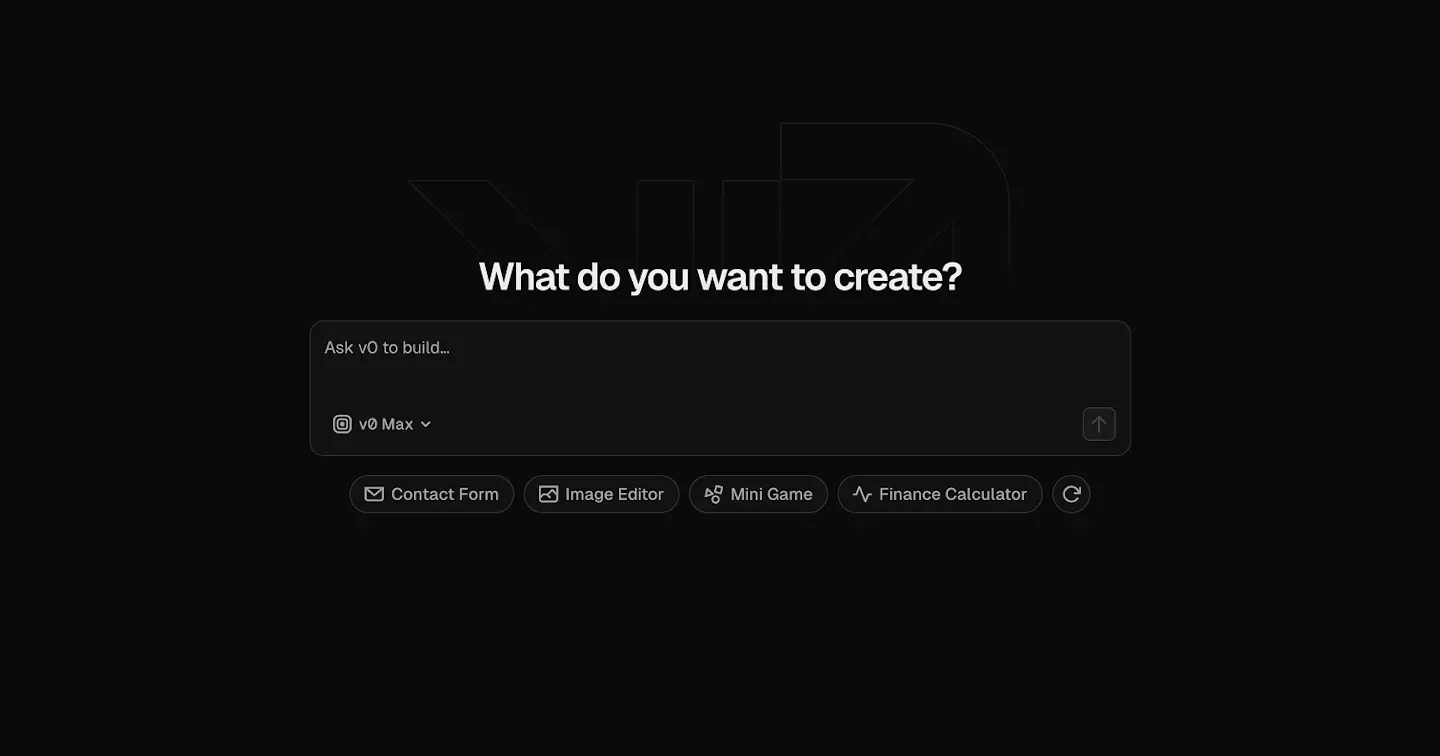
- Natural Language Development: Describe requirements in your preferred language to generate code, full-stack applications, or agents, and iteratively modify them through follow-up prompts.
- Design Draft to Interface: Create high-fidelity interfaces based on wireframes, mockups, screenshots, or Figma files.
- Visual Editing and Preview: Use Design Mode visual controls to adjust details and preview the application in real time.
- Templates and Components: Build starting from ready-made components, full-page designs, and various application templates.
- Design System: Define colors, typography, and styles that can be reused across projects.
- Backend and API Integration: Connect databases, backends, and external APIs to build applications using real data.
- GitHub Sync and Review: Connect to GitHub repositories to push code or submit pull requests for team review.
- Vercel Deployment: Deploy built applications to Vercel to provide production-ready websites.
- Agent Planning and Debugging: Plan tasks during building and automatically fix code errors through intelligent diagnostics.
- Web and External Tools: Integrate web search, website viewing, and external tools to assist development work.
- Team Collaboration: Paid team plans support shared chats, collaboration, and centralized billing management.
- iOS Mobile Build: Build and adjust web projects on mobile devices via the v0 iOS app.
Use cases
- Product managers build operable prototypes or connect feedback forms to databases to collect feedback and validate ideas before committing full engineering resources.
- Designers convert Figma design drafts or screenshots into interactive interfaces, adjust details using visual controls, and hand them over to engineers for further development.
- Marketing teams build campaign or landing pages from templates, modify copy and layouts, and deploy them to Vercel.
- Engineers build full-stack applications or React components, integrate existing APIs, and push or submit pull requests via GitHub for review.
Categories: ,AI Resources, Tool Resources, AI Site Building & Product Generation
Pricing
Free version US$0/month; Business US$100/user/month; Plus amount to be confirmed, Enterprise upon request; prices listed are excluding taxes.