Cursor - The AI Code Editor
Cursor is a code editor and development tool that assists software development with AI agents, suitable for individual developers and teams who need to understand existing codebases, implement new features, or handle debugging tasks. Users can delegate tasks from the desktop editor, terminal, browser, or mobile devices, and launch agents from work portals such as GitHub and Slack, allowing them to focus on requirements and solution judgment.
Product screenshots
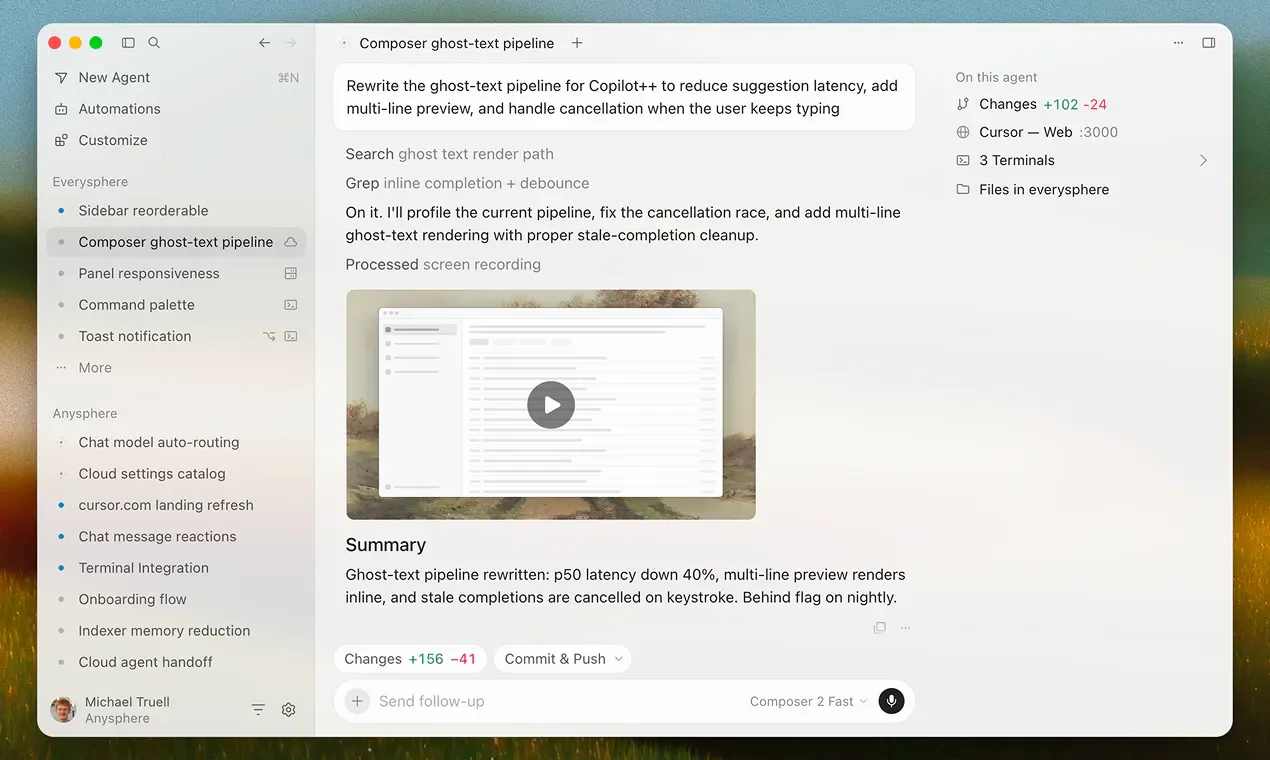
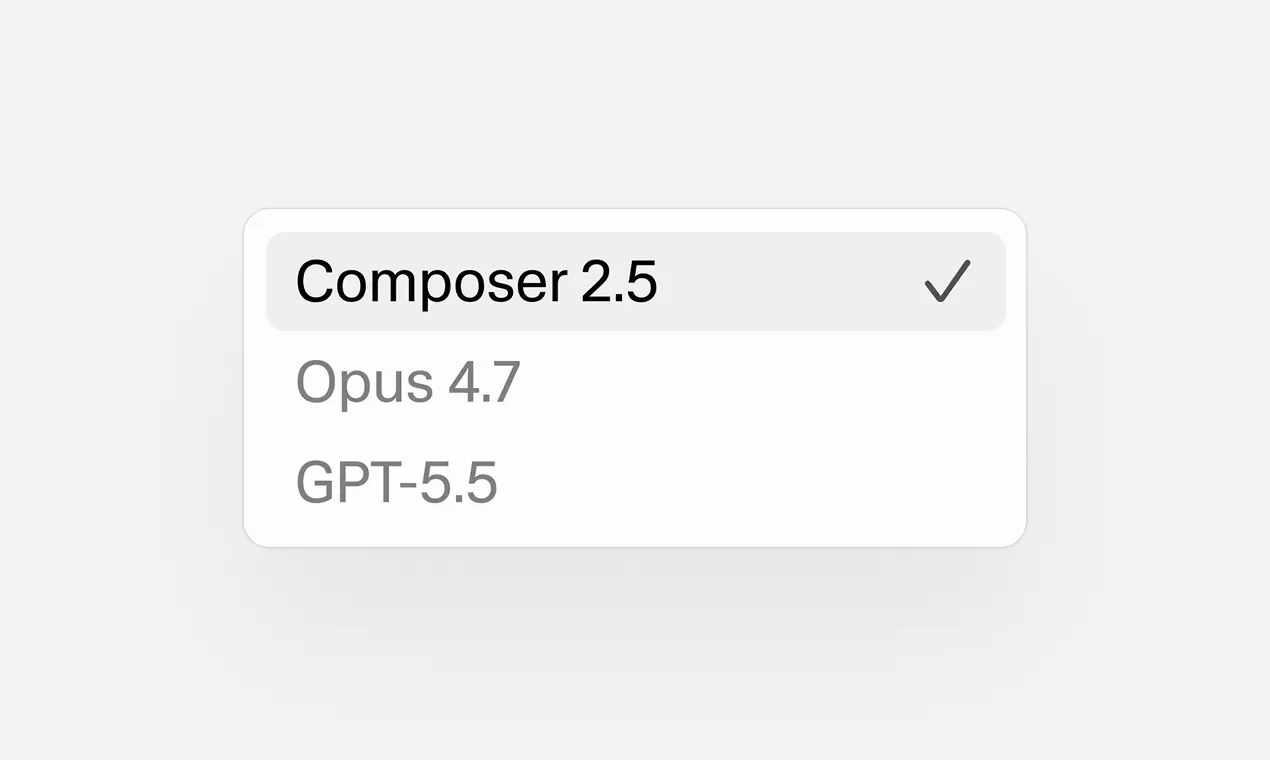
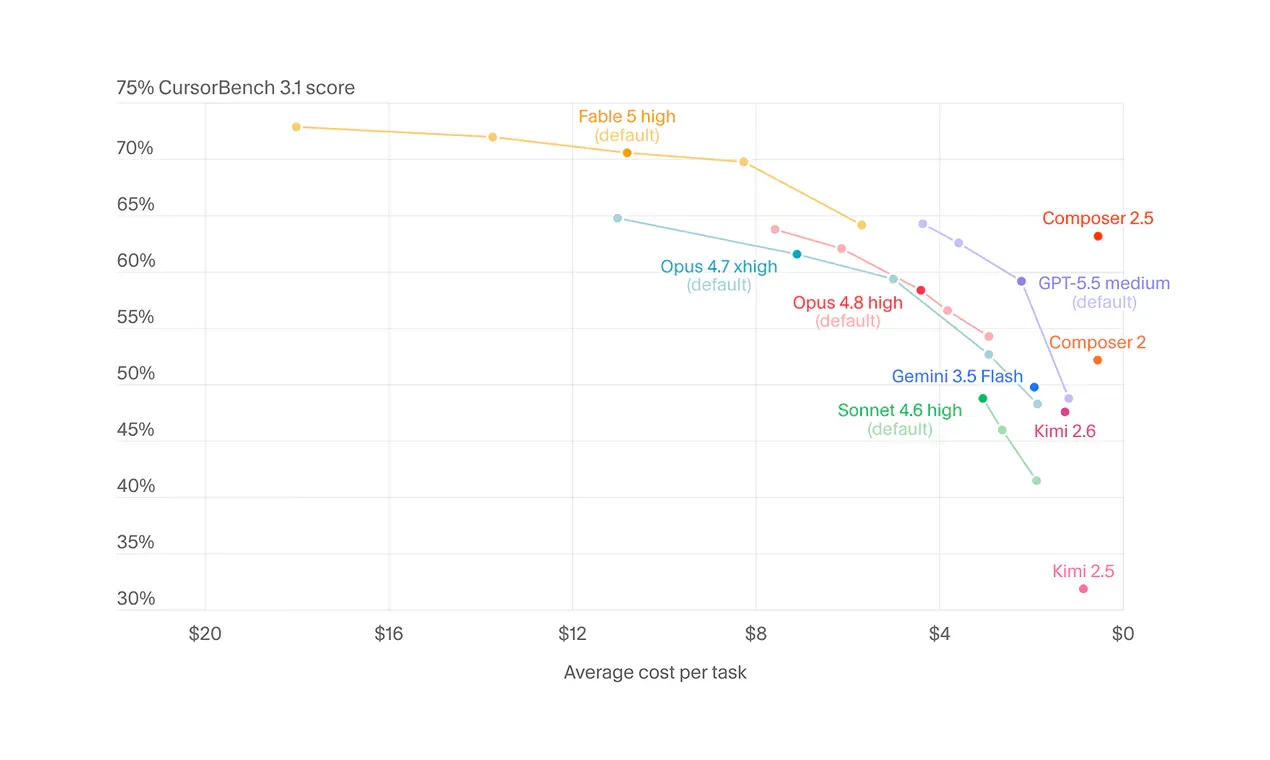
About Cursor - The AI Code Editor
Cursor is a code editor and development tool that assists software development with AI agents, suitable for individual developers and teams who need to understand existing codebases, implement new features, or handle debugging tasks. Users can delegate tasks from the desktop editor, terminal, browser, or mobile devices, and launch agents from work portals such as GitHub and Slack, allowing them to focus on requirements and solution judgment.
It searches the codebase and builds relevant context, then assists with planning, modifying files, executing commands, and reviewing code; complex tasks can be handled in parallel by sub-agents of different models. When interface adjustments are needed, users can directly select web elements to propose modifications, alongside executing data debugging, team rules, skills, and MCP extensions, while cloud agents can build, test, and demonstrate features for users to check the results.
Features
- Cross-interface agent operations: Use agents in the desktop editor, command line, web, and mobile, and launch work from entry points such as GitHub, Slack, Linear, and JetBrains.
- Codebase understanding and search: The agent studies existing code and searches for relevant content across large codebases via Instant Grep.
- Multi-model parallel collaboration: Sub-agents can explore or handle tasks in parallel, utilizing different models for different tasks.
- Task planning: Ask clarifying questions for complex requirements, create a plan, and then execute subsequent implementation.
- Visual interface modification: Select web elements to request rewriting content, adjusting sizes, or moving positions.
- Execution data debugging: Locate issues and correction directions using program execution data and diagnostic logs.
- Engineering tool execution: Edit files, search the web, and execute build, test, and installation commands, with terminal operations running in a sandbox by default.
- Context data specification: Provide files, data, or visual content needed by the agent through @ mentions and image uploads.
- Git and checkpoints: View code change history and revert to previous snapshots.
- Team rules: Set team conventions, preferences, and architectural decisions as a reference for agent work.
- Tool and knowledge expansion: Add specialized knowledge, prompt workflows, and external tools or data sources through plugins, skills, and MCP.
- Cloud agents: Agents can build, test, and demonstrate features in parallel within their respective computer environments, leaving the final review to the user.
- Code review: Support code reviews and check merge requests within GitHub workflows.
Use cases
- When taking over a large existing project, first have the agent search the codebase and trace feature relationships, then plan cross-file modifications according to team rules.
- When adjusting frontend pages, select the elements that need to be changed and provide reference images, letting the agent modify the code before checking the rendering and execution results.
- When developing tasks that can be divided, assign them to cloud agents for parallel building and testing, allowing developers to focus on reviewing changes and feature demonstrations.
Cursor Student Plans and Campus Activities
The Cursor official student page currently provides an entry point to get started for free; upgrade offers are provided according to conditions announced in campus and online events. The page does not promise a free Pro version for a fixed period, nor does it carry over qualifications or deadlines from old events.
Users can check campus programs and events from the official student page and subscribe to the campus newsletter to get event updates, offers, and introductory guides. General plan details and pricing remain subject to the official pricing page.
Categories: ,AI Resources, Development and Prompt Engineering, AI Integrated Development Environment
Platforms: Windows, macOS, Linux
Pricing
Free plan; individual paid plans start at $8/month; Teams plan starts at $30/month; Enterprise upon inquiry (currency not explicitly stated, taxes not included; annual billing terms not provided)
Frequently asked questions
- What student discounts does Cursor currently offer?
The official student page currently provides an entry point to get started for free, and upgrade offers are provided according to conditions announced in campus and online events; the page does not promise a free Pro version for a fixed period. You can check campus programs and events on the official student page.