MagicPattern
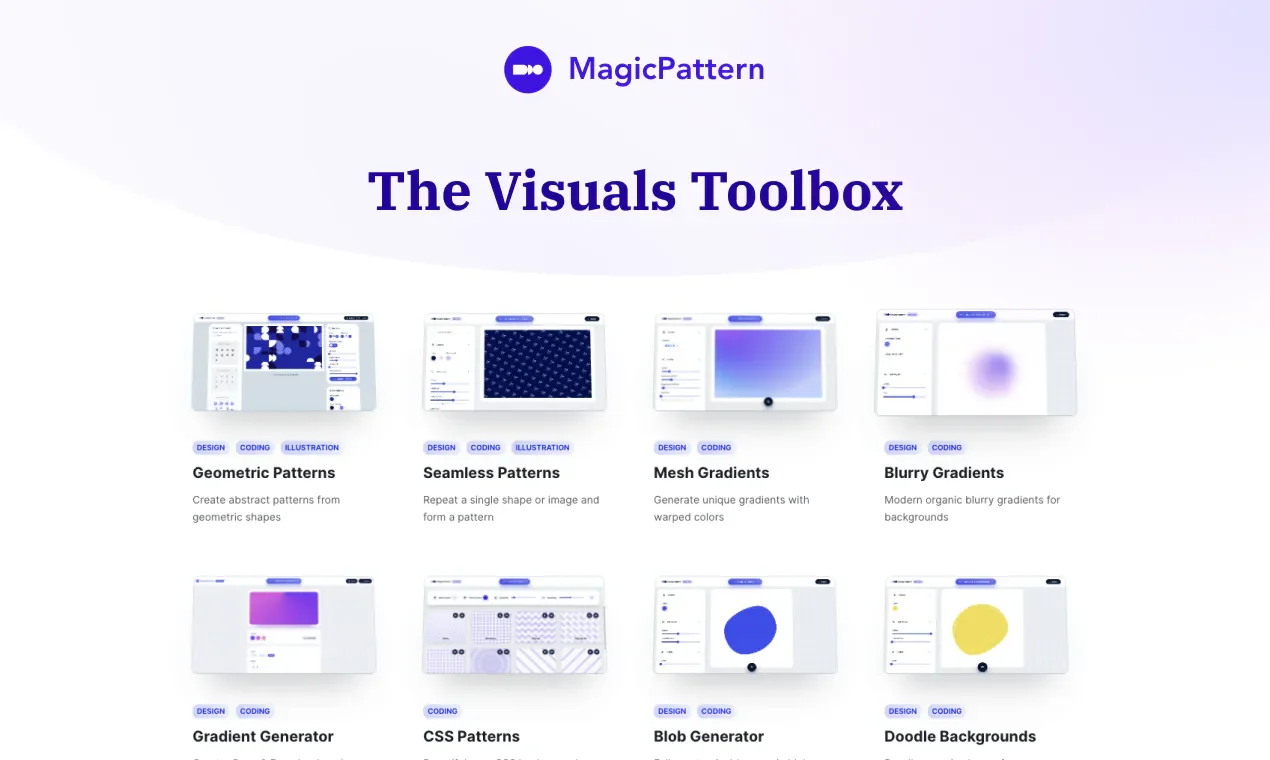
MagicPattern is a design toolkit that centralizes background creation in the browser, offering over thirty tools covering geometric patterns, seamless patterns, mesh gradients, halftones, and organic shapes. It is suitable for designers, developers, and small teams who need to create visuals for social media posts, website landing pages, or brand materials, and also allows those lacking drawing experience to start adjusting from ready-made editors.
Product screenshots
About MagicPattern
MagicPattern is a design toolkit that centralizes background creation in the browser, offering over thirty tools covering geometric patterns, seamless patterns, mesh gradients, halftones, and organic shapes. It is suitable for designers, developers, and small teams who need to create visuals for social media posts, website landing pages, or brand materials, and also allows those lacking drawing experience to start adjusting from ready-made editors.
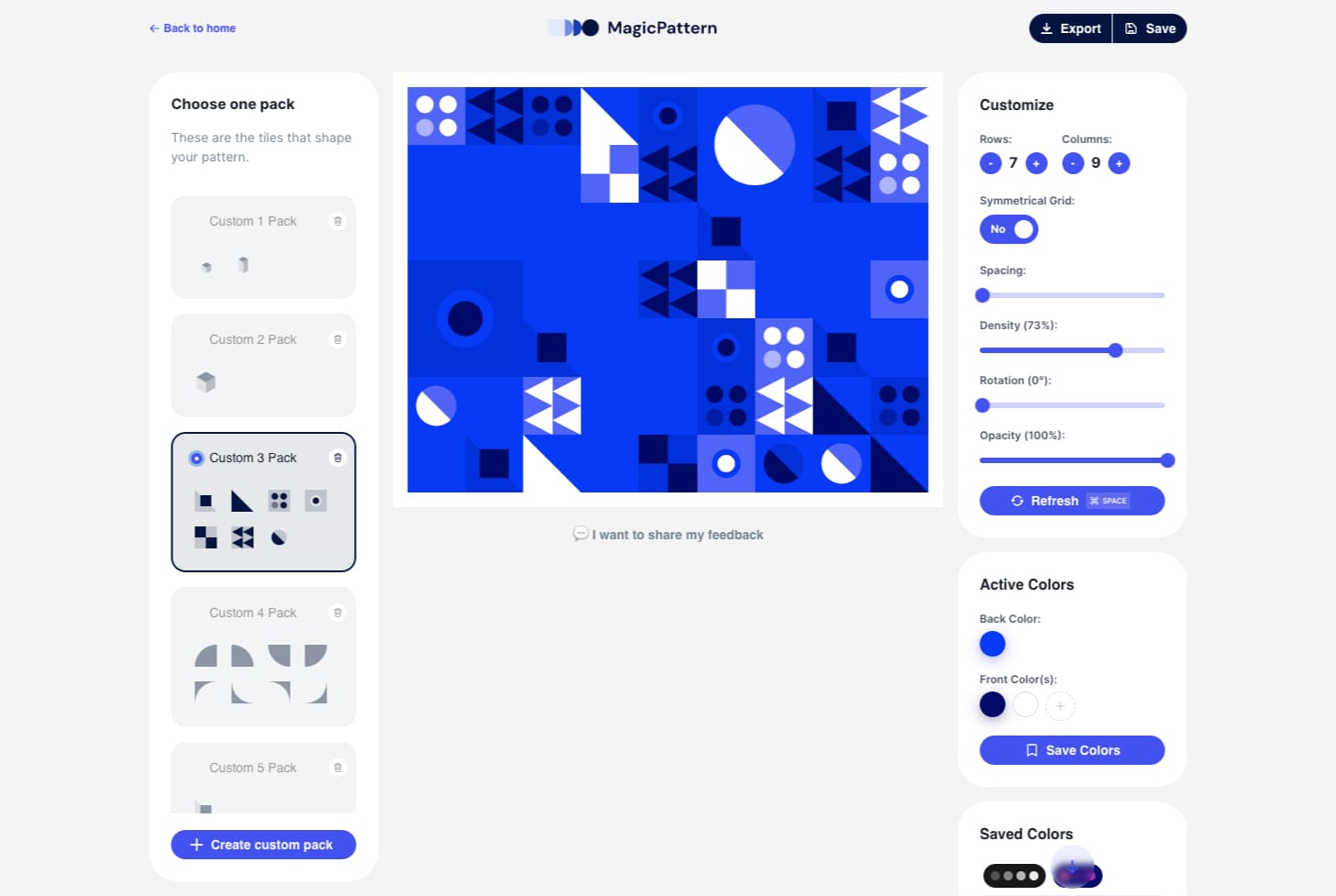
Users can set dimensions and color schemes, then adjust density, spacing, rotation, or individual tiles according to patterns, and save works for subsequent editing. It caters to both graphic and web uses: export bitmaps, vectors, or CSS depending on tool support, and you can also create brand color palettes, upload custom images and SVG, allowing different materials to maintain the same set of visual settings.
Features
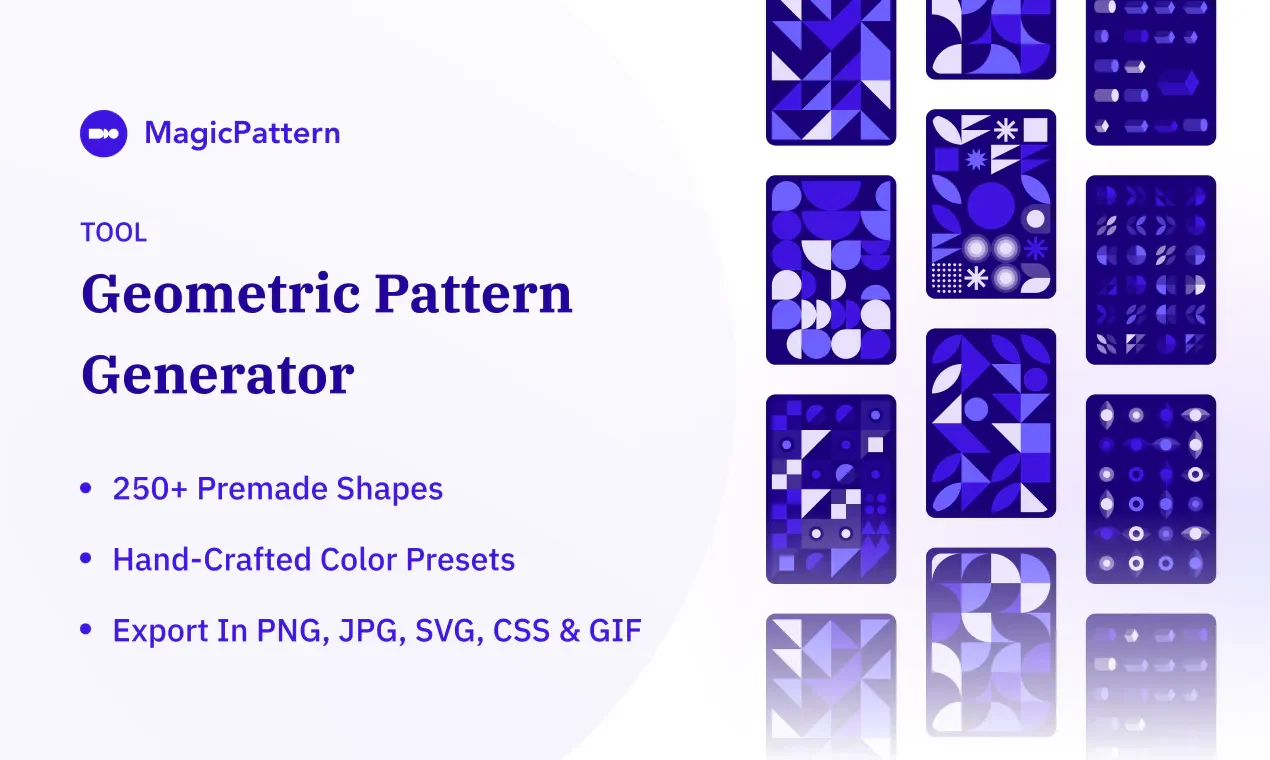
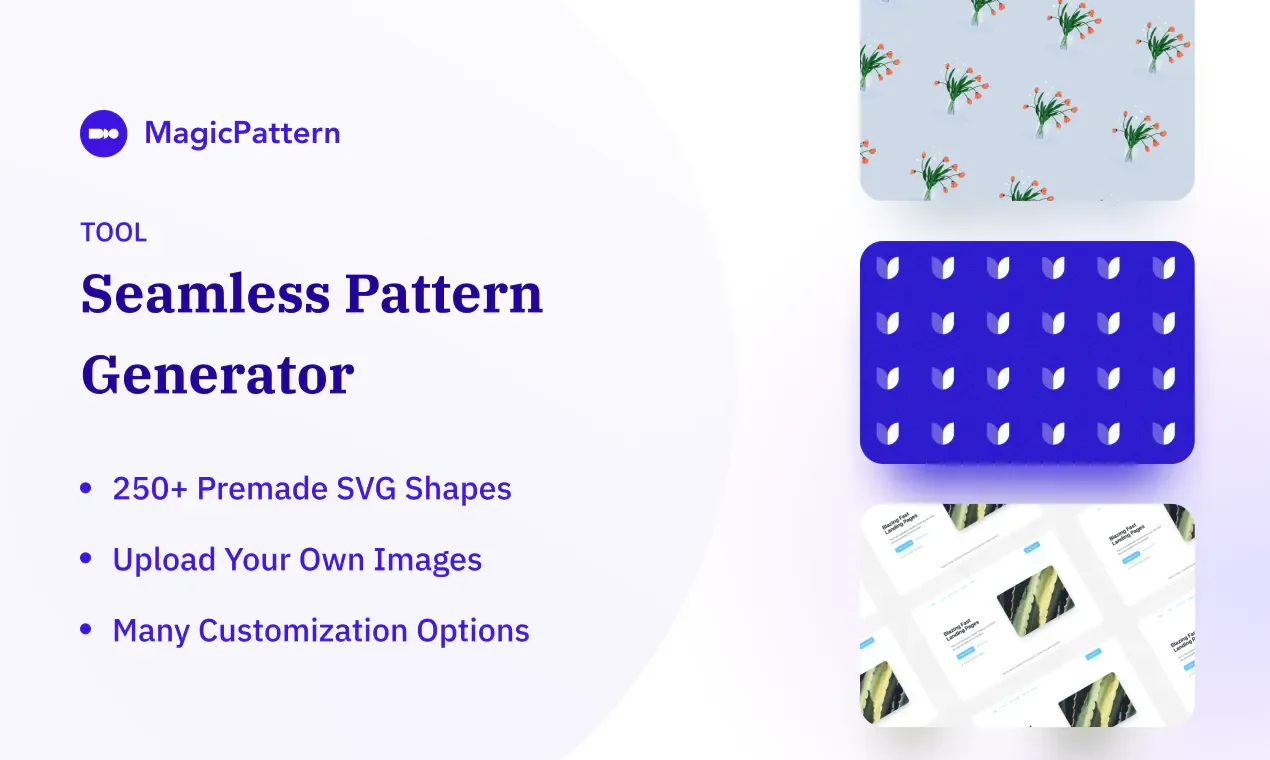
- Pattern Generation Tools: Provides geometric pattern and seamless pattern tools for users to create graphics applicable as backgrounds.
- Gradients and Organic Shapes: Provides image creation tools such as mesh gradients, shader gradient editors, and organic shapes.
- Multiple Visual Effects: The toolkit includes dither, 3D perspective grids, CMYK dots, halftones, rays, and fractal glass effects.
- Pattern Detail Adjustment: Allows setting dimensions, colors, density, spacing, and rotation, randomly generating patterns, and independently editing individual tiles.
- Material Storage and Management: Allows creating, saving, and re-editing images, and accessing works from desktop or mobile devices.
- Brand Visual Settings: Allows creating custom color palettes and uploading proprietary brand elements such as images or SVG.
- Image and Code Export: Provides JPG, PNG, WebP, SVG, GIF, or CSS depending on tool support, for image creation and web embedding use.
- Social Media Post Editing: Provides social media post editing tools, allowing export of high-resolution PNG or JPG upon completion.
Use cases
- Create matching backgrounds for brand social media posts and websites, using custom color palettes and brand images to maintain material consistency.
- Create geometric or gradient backgrounds for web pages, exporting SVG, bitmaps, or CSS as needed before integrating into websites.
- Build re-editable background assets for clients, continuously adjusting dimensions, color schemes, and pattern density after saving works.
Categories: Design & UI Resources
Pricing
Provides a free tier; Basic and Pro have monthly and annual subscriptions, alongside a one-time purchase time-limited plan; source does not explicitly state currency, numerical prices omitted