Figma
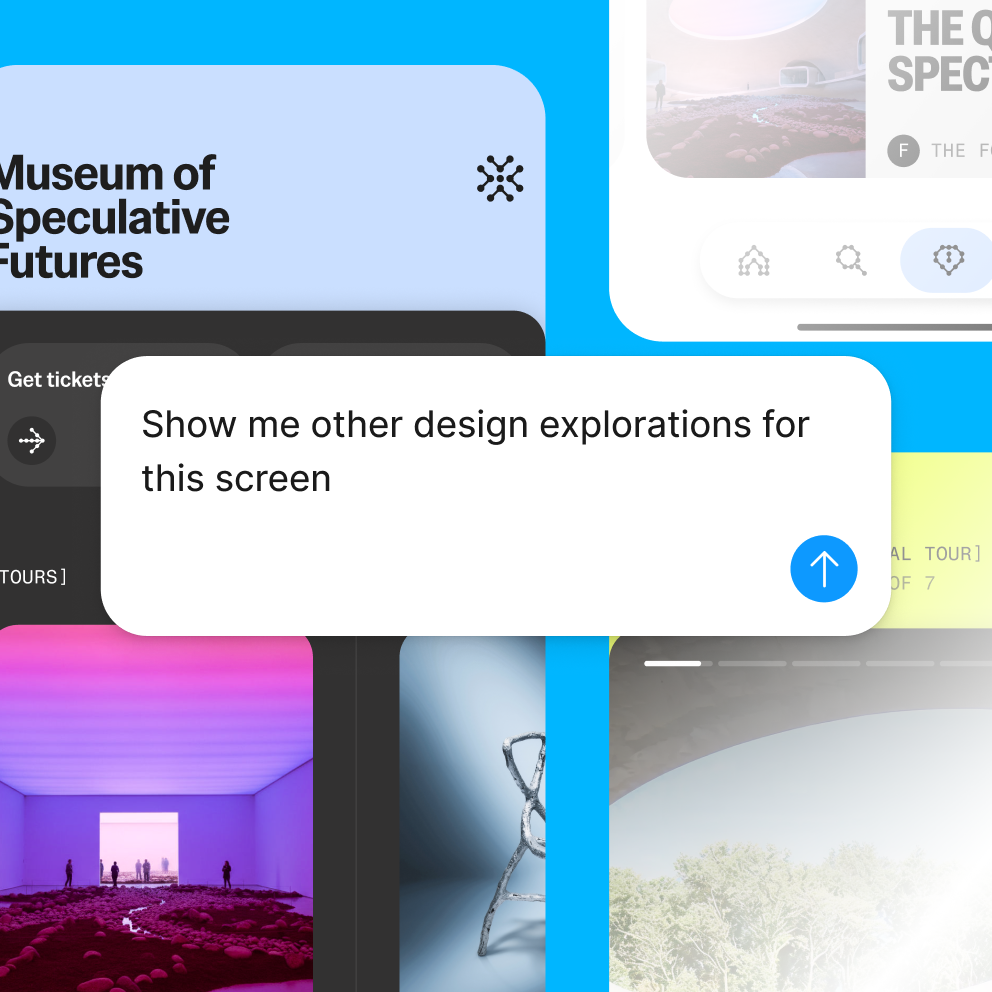
Figma is a collaborative workspace combining design, code, and artificial intelligence, suitable for product designers, developers, and teams needing to participate in design decisions. Teams can start from brainstorming and interface design, discussing, modifying, and connecting to development within the same file; they can also use templates to create banners and advertisements, and export assets after completing content adjustments.
Product screenshots
About Figma
Figma is a collaborative workspace combining design, code, and artificial intelligence, suitable for product designers, developers, and teams needing to participate in design decisions. Teams can start from brainstorming and interface design, discussing, modifying, and connecting to development within the same file; they can also use templates to create banners and advertisements, and export assets after completing content adjustments.
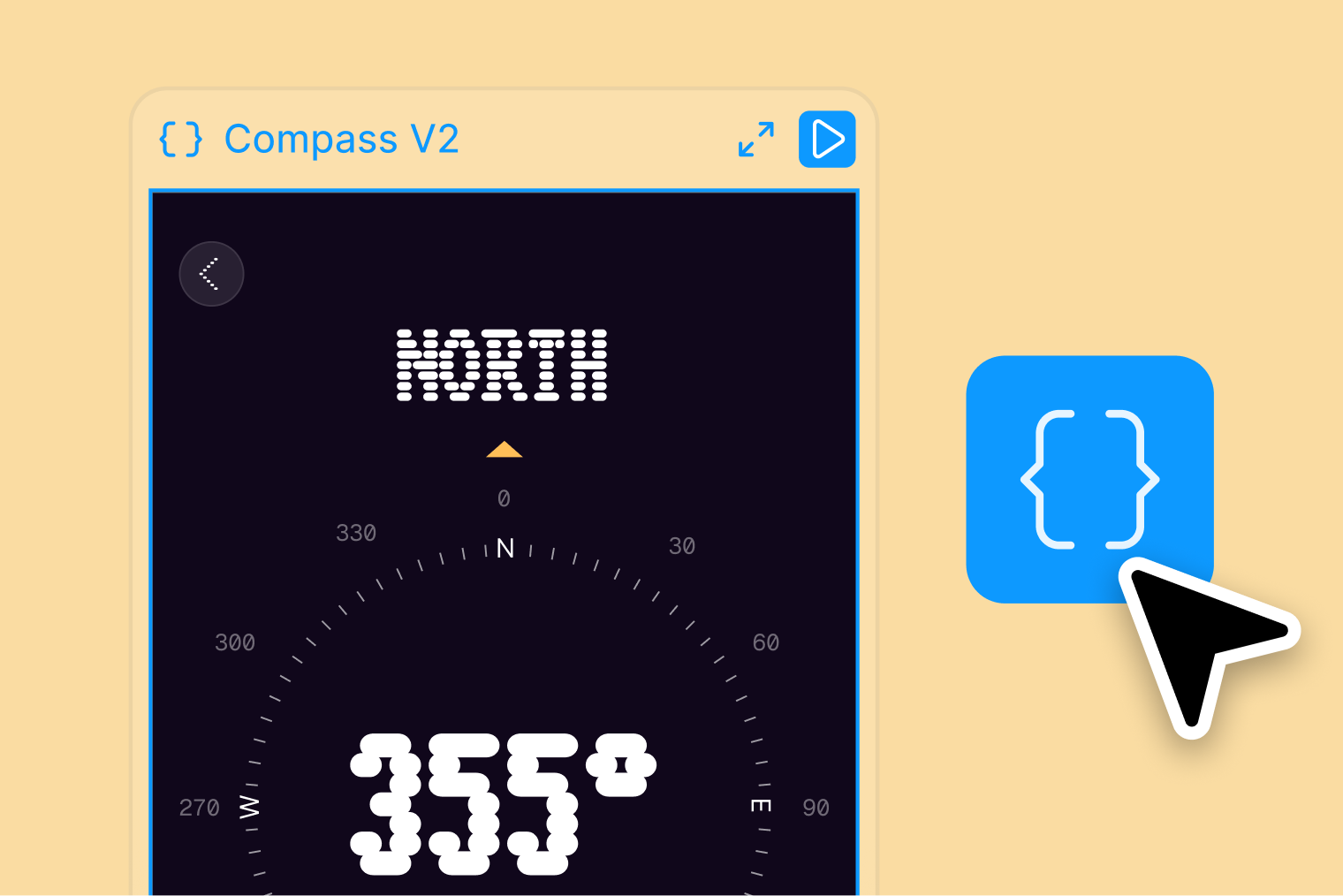
To turn ideas into websites, users can enter requirements in Figma Make, or bring in existing design screens and code, then modify results using visual operations, natural language, or direct code editing. It presents design and working code side by side, and provides functions to connect data, create branches, and commit changes, allowing design systems and development work to maintain a shared context.
Features
- Interface and Product Design: Carry out design work for websites, applications, and products through Figma Design.
- Same-File Collaboration: Designers, developers, and project-related members can work simultaneously in the same file and provide feedback.
- Team Brainstorming: Use FigJam to explore ideas together, define work, and form decisions.
- AI Design Assistant: Ask the assistant to add motion effects to designs, write design system documentation, or modify content based on feedback.
- Marketing Asset Creation: Adjust visuals and copywriting through Figma Buzz templates to create and export banners or advertising assets.
- Website Generation and Editing: Figma Make can generate responsive websites based on text requirements or existing design screens, which can then be modified using visual operations, prompts, or code.
- Inherited Design Context: Allows Figma Make to reference design variables and components from existing codebases, viewing design and running code side by side.
- Backend and Data Connection: Figma Make supports adding authentication, databases, and APIs so that websites can connect to real data.
- Versioning and Publishing Workflow: Create branches, view changes, submit pull requests, and publish websites or push content to code repositories.
- Prototypes and Development Delivery: The Professional plan offers advanced prototyping tools and Dev Mode inspection capabilities, helping bridge design and development.
- Shared Design Resources: Professional provides team design libraries, while Organization additionally supports cross-team resource publishing, shared libraries, and fonts.
- Organization Management: Organization provides centralized management tools, while Enterprise offers custom team workspace and seat management capabilities.
Use cases
- Product teams first discuss requirements using FigJam, then collaboratively design interfaces, review prototypes, and proceed with development delivery.
- Marketers use templates to create brand banners or advertisements, adjusting visuals and messaging before exporting assets for deployment.
- When needing to create a portfolio or product presentation website, generate an initial draft with Figma Make, then adjust layouts, connect data, and perform publishing or code commits.
Figma Education Plan
Verified students and educators can use the Figma Education Plan for free. Self-service applicants must verify their educational status and create, upgrade, or join an Education team.
Application pathways differ for K-12 and higher education; please choose the process matching your identity according to the official education page, and confirm your location, age, and course eligibility.
Categories: Figma Section, Design Resources, Tool Resources, Design & UI Resources
Platforms: Web, Windows, macOS
Pricing
Starter is free; paid plans are billed based on team plans and seats, with monthly, annual, and feature differences comparable on the official page.
Frequently asked questions
- How to apply for the Figma Education Plan?
Eligible students and educators can verify their educational status following the official process, and create, upgrade, or join an Education team. Application pathways differ for K-12 and higher education, so please choose the applicable process according to the official education page.