HeyGen
HeyGen is an AI production platform combining digital avatars, voice, and video editing, suitable for individuals and teams who need to continuously produce courses, marketing, sales, or internal training videos. Users can select existing avatars or create their own, then input scripts, images, audio, or presentations to generate videos, reducing the need for re-shooting every time content is updated.
Product screenshots
About HeyGen
HeyGen is an AI production platform combining digital avatars, voice, and video editing, suitable for individuals and teams who need to continuously produce courses, marketing, sales, or internal training videos. Users can select existing avatars or create their own, then input scripts, images, audio, or presentations to generate videos, reducing the need for re-shooting every time content is updated.
In addition to generating speaker visuals, it can also produce motion graphics, B-roll, and subtitles, and adjust scripts and performance within a text-based editor. Multi-language translation combined with voice cloning and lip-syncing makes it easy to convert existing content into different languages; team plans additionally provide collaboration, brand assets, and interactive learning tools. Custom avatars require identity verification in front of a camera completed by the individual themselves.
Features
- Digital avatar creation: Users can select existing avatars or create personal avatars; custom avatars require identity verification in front of a camera completed by the person being represented.
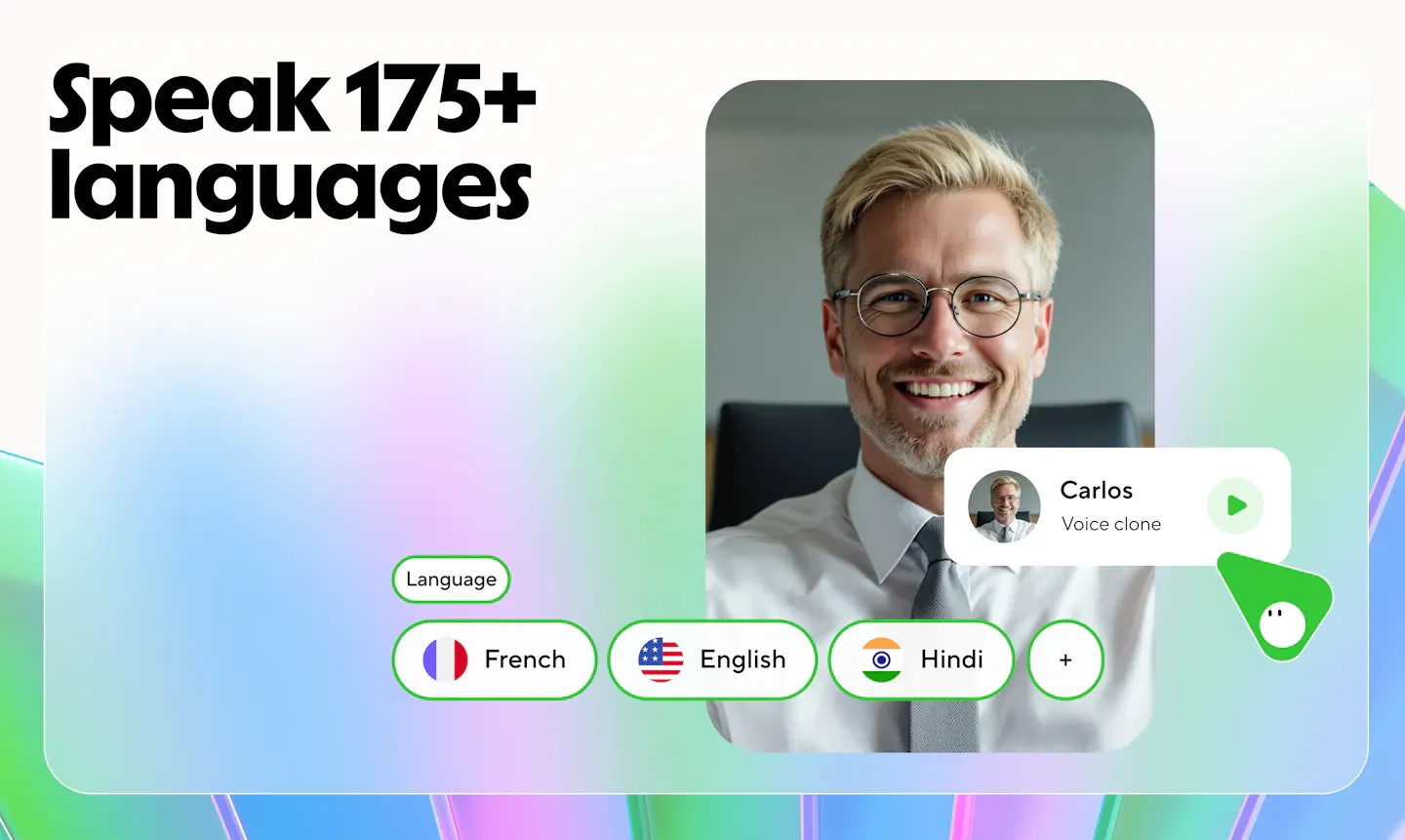
- Voice cloning and performance control: Allows voice cloning and adjustments to presentation using voice direction, tone imitation, and gesture control.
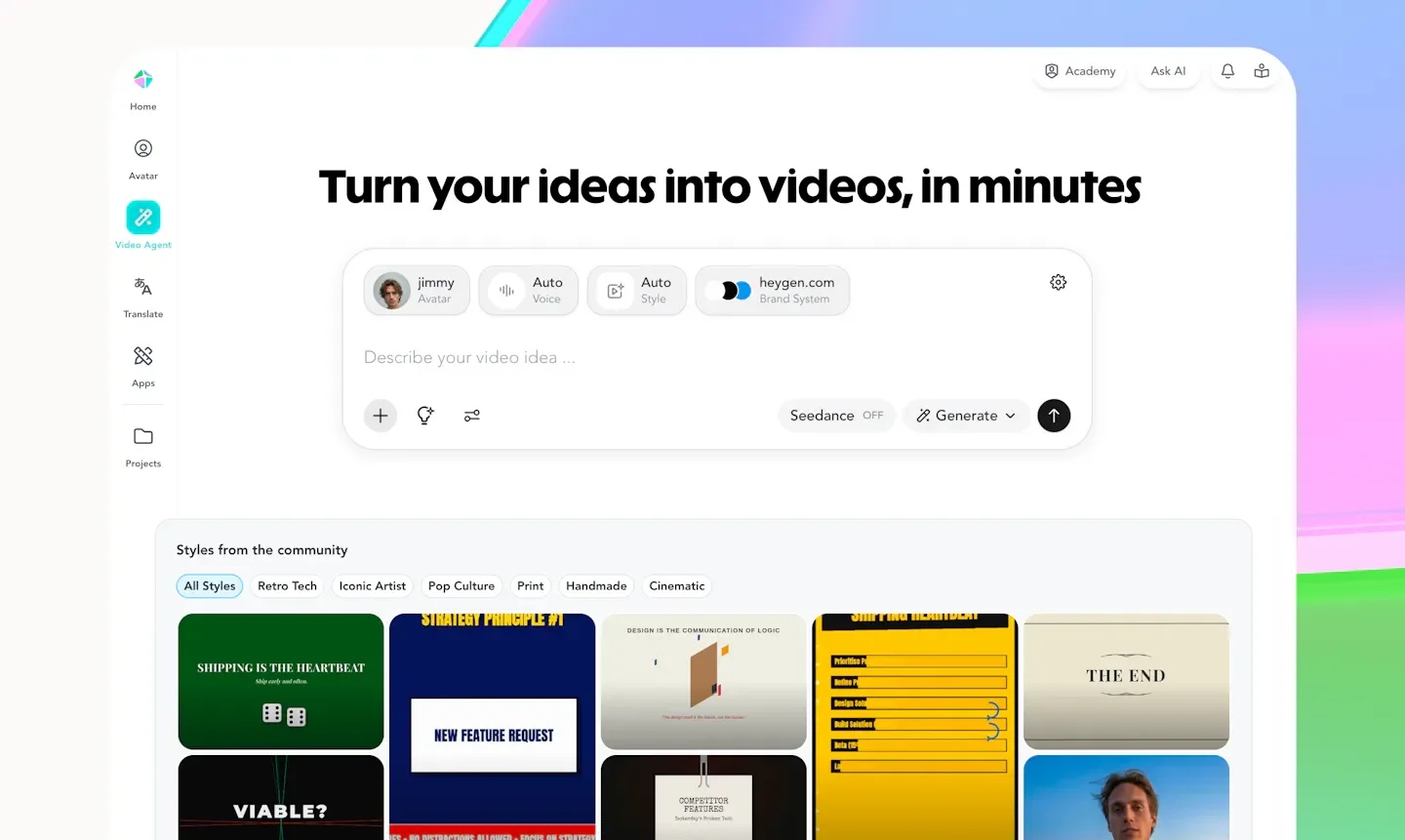
- Prompt-based video generation: Video Agent can generate speaker visuals, motion graphics, and B-roll based on concepts, which can still be adjusted for text, color, timing, and layout after generation.
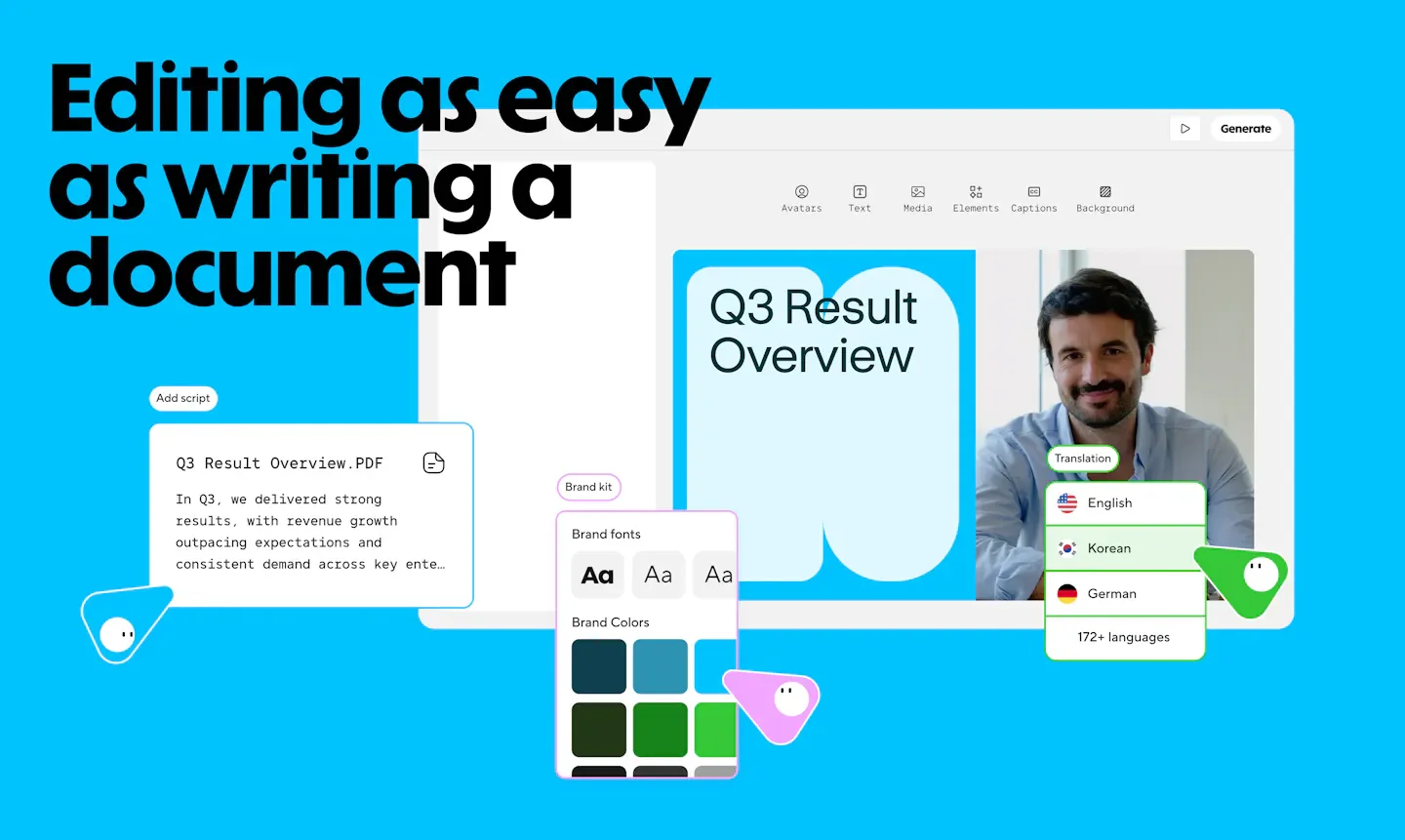
- Text-based script editing: AI Studio controls scripts, tone, pacing, gestures, and emotions through text editing.
- Diverse input to video conversion: Can convert text, images, audio, and PPT/PDF into video, with presentation pages transformable into scenes paired with avatars and voiceovers.
- Video translation and lip-syncing: Allows uploading videos or pasting YouTube links for translation, paired with voice cloning, lip-syncing, and brand glossaries; language range and proofreading features vary by plan.
- Brand assets and subtitles: Provides Brand Kit, automatic subtitles, and B-roll to help organize video visuals and brand presentation.
- Team collaboration: Provides comments, mentions, and multi-user editing; Business additionally lists workspace collaboration, draft reviews, and member management.
- Sales video personalization: Allows creation of video versions targeted at different prospective clients using dynamic fields such as name, company, and requirements.
- Interactive teaching and learning systems: Business plan lists interactive video features such as quizzes and links, alongside SCORM export and LMS integration.
- Video export: Creator provides 1080p export, Pro and Business provide up to 4K export, with length limits varying by plan.
- Automated service integrations: Business plan lists n8n, Make, HubSpot, and Zapier integrations.
Use cases
- Instructors convert course scripts or presentations into avatar-narrated videos, modifying scripts and regenerating corresponding content when teaching materials are updated.
- Cross-border teams translate existing training or product videos, producing versions in different languages using voice cloning, brand glossaries, and lip-syncing features.
- Sales teams create personalized prospecting, pre-meeting introduction, and post-meeting summary videos using name, company, and requirement fields.
- Corporate training personnel incorporate videos into existing learning systems using Business's interactive quiz and SCORM export features.
Categories: ,AI Resources
Pricing
Free plan; Creator monthly subscription $24/mo billed annually (equivalent to $24/mo) or $29/mo; Pro starting at $49/mo; Business $149/mo plus $20 per seat/mo; Enterprise inquiry for quote (source currency for $ not specified)