Tally
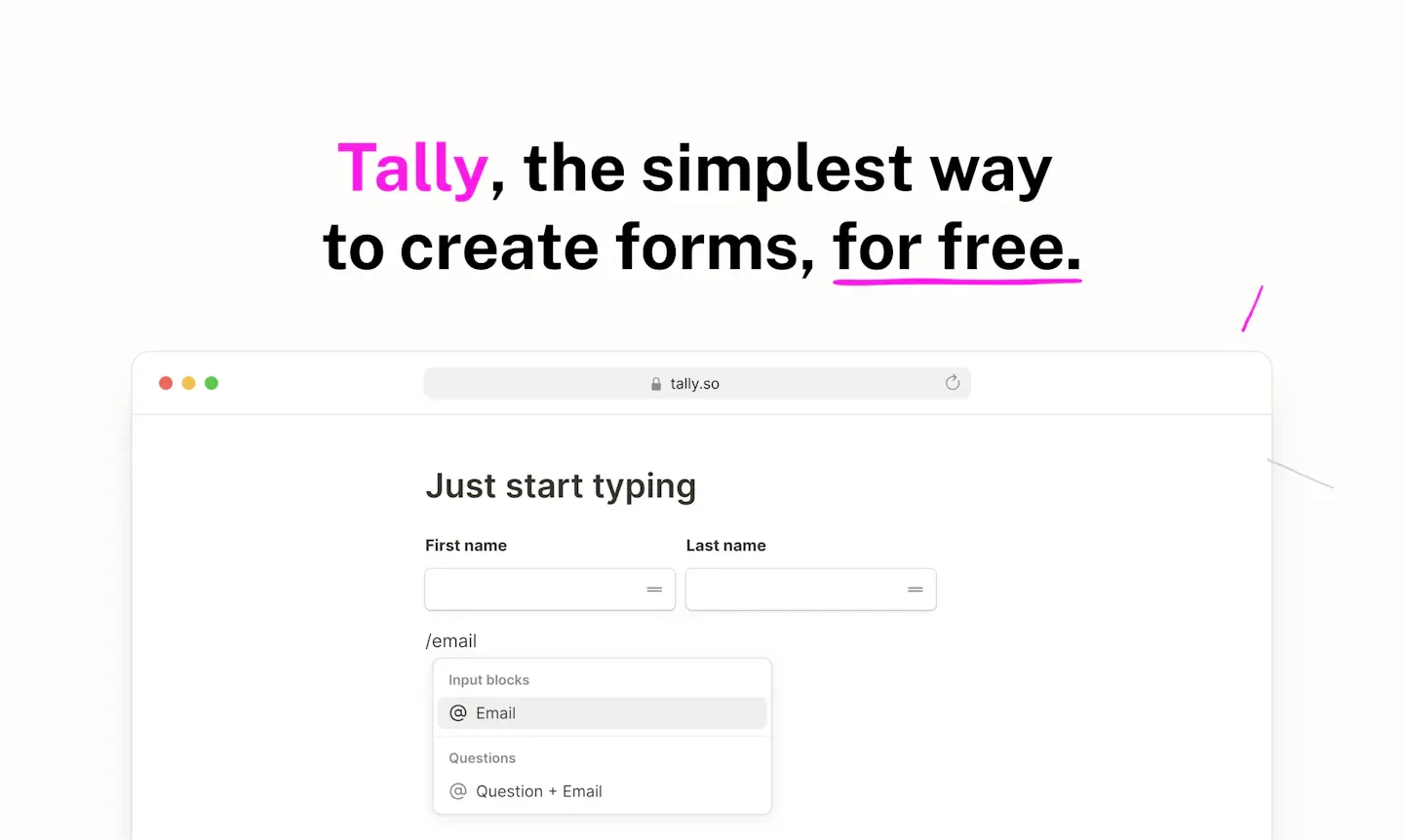
Tally is a tool for creating online forms in a document-editing format, suitable for creators, marketers, product teams, and internal administration. By directly typing questions and inserting fields, users can create surveys, registration forms, or data collection forms without writing code; they can also use natural language to ask Tally AI to generate, modify, or fix forms.
Product screenshots
About Tally
Tally is a tool for creating online forms in a document-editing format, suitable for creators, marketers, product teams, and internal administration. By directly typing questions and inserting fields, users can create surveys, registration forms, or data collection forms without writing code; they can also use natural language to ask Tally AI to generate, modify, or fix forms.
Forms can toggle questions, calculate scores or amounts based on answers, and collect files, signatures, and payments. Once completed, they can be shared via links, website embeds, or pop-up windows, and responses can be synced to common data tools. The free plan provides unlimited forms and responses within fair use limits; custom domains, team collaboration, unsubmitted responses, and advanced management are available on paid plans.
Features
- Document-style editing and AI form builder: Input questions directly and insert blocks, or use natural language to ask Tally AI to generate, edit, and fix forms.
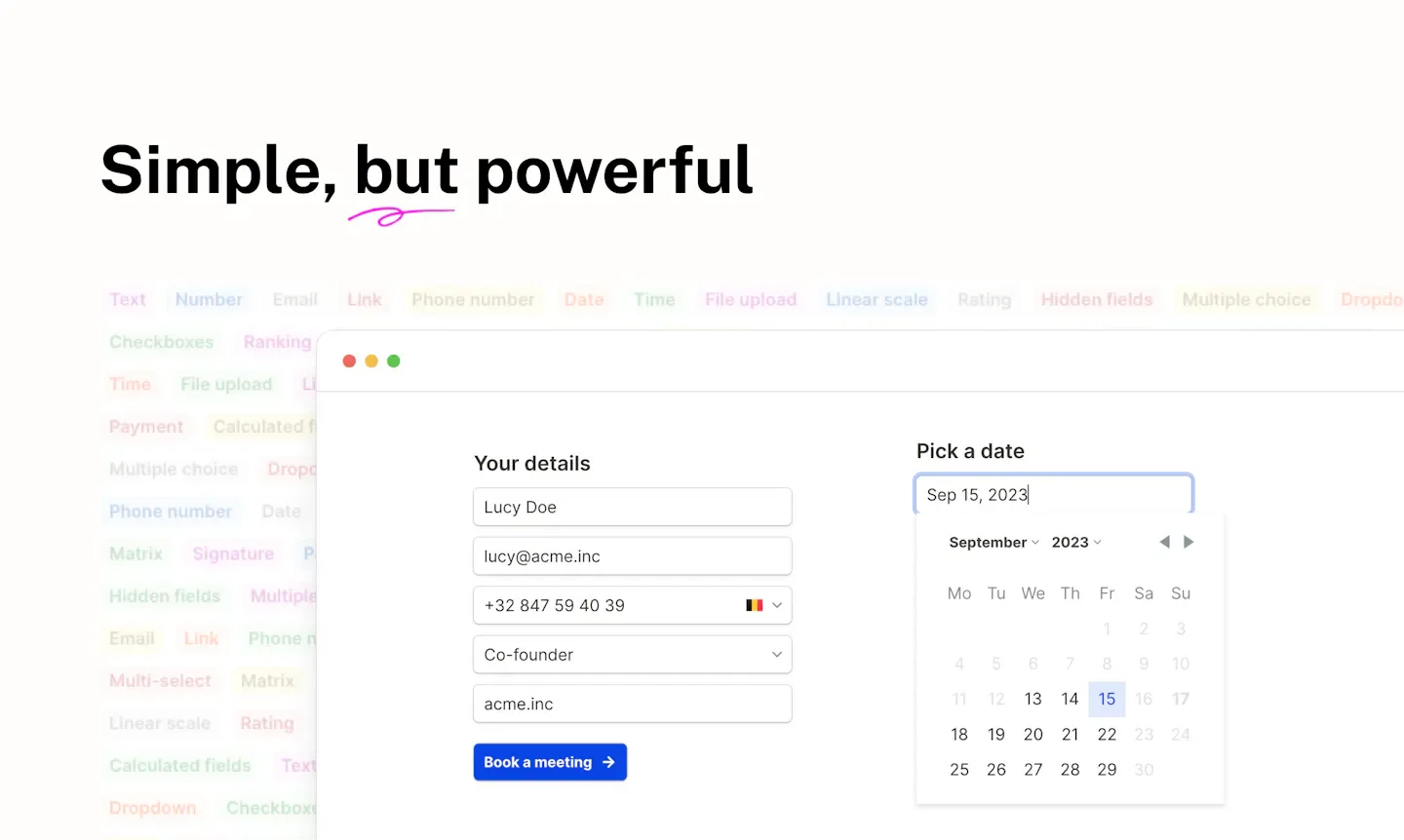
- Diverse data fields: Collect contact information, files, electronic signatures, dates, and times, and also support ratings, scales, and ranking questions.
- Stripe payments: Create code-free checkout forms via Stripe to collect payments from respondents.
- Conditional logic and calculation: Show or hide blocks based on input, set up branching, and calculate scores, prices, and other values using variables and formulas.
- Personalized responses: Pass hidden fields via URL parameters, prefill known data, and carry previous answers into subsequent questions.
- Form access and submission control: Provide reCAPTCHA, password protection, duplicate submission limits, randomized answer sorting, and closing forms by date or response count.
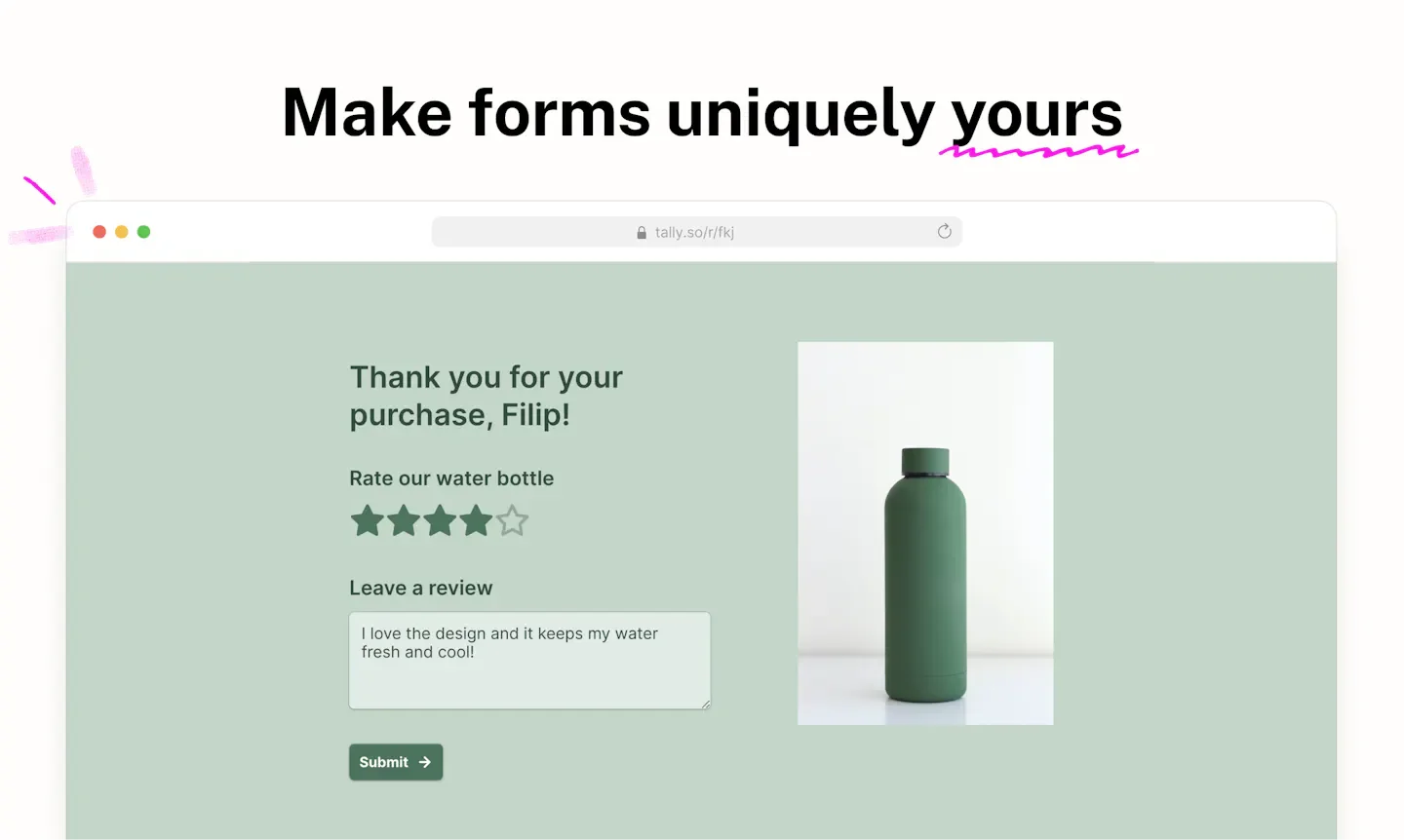
- Layout and content design: Adjust color schemes and fonts, use column or multi-page layouts, add images, external content, custom thank-you pages, and multilingual messages.
- Links and website embedding: Share via form links, or embed forms into websites, Notion, and website pop-up windows.
- Notifications and post-completion redirection: Free notifications for new responses and post-completion redirection; Pro allows custom notifications sent to oneself and respondents and custom sending domains.
- Data integration and API: Send responses to tools such as Notion, Google Sheets, Airtable, and Slack, and provide Webhooks, automated integrations, and form and response management APIs.
- AI assistant connection: Build and manage forms or analyze responses via Claude Connector, ChatGPT plugins, and MCP servers.
- Form import and response export: Import forms from other tools, screenshots, or PDFs, and export responses along with form layouts as PDFs.
- Version history: The free plan can restore form versions from the past 7 days, extended to 30 days for Pro and 90 days for Business.
- Branding and team management: Pro removes Tally branding, connects custom domains, uses custom CSS, and invites members to collaborate via workspaces and folders.
- Response and drop-off analytics: Track view counts, dwell times, and traffic sources; Pro additionally provides unsubmitted responses, drop-off analytics, and longer analytics data history.
- Enterprise data control: Business allows setting automatic deletion deadlines for response data and verifying respondents' email addresses.
Use cases
- Marketers build lead generation forms, display different questions based on answers, and sync responses to Google Sheets or Notion.
- Creators build event registration or product order forms, collecting contact info, files, and payments, and then notify respondents of follow-up arrangements.
- Product teams design user research questionnaires, gather feedback through ratings, rankings, and conditional branching, and analyze response status.
- Teams requiring more comprehensive brand presentation use Pro to customize domains and form styles, and manage multiple forms through shared workspaces.
Categories: Tool Resources, Talent Management, Forms
Pricing
Provides a permanently free plan subject to fair use limits; Pro and Business offer monthly and annual paid plans. The currency is not explicitly stated in the source, and the billing toggle status on the pricing page is unclear, so amounts are not listed.