Superlist
Superlist is a work tool combining to-do lists, notes, and project planning, keeping task descriptions, images, and attachments directly within the list. Suitable for users who need to manage personal schedules, family division of labor, and team work simultaneously, it allows breaking down goals with multi-level subtasks while scheduling deadlines, reminders, and recurring items.
Product screenshots



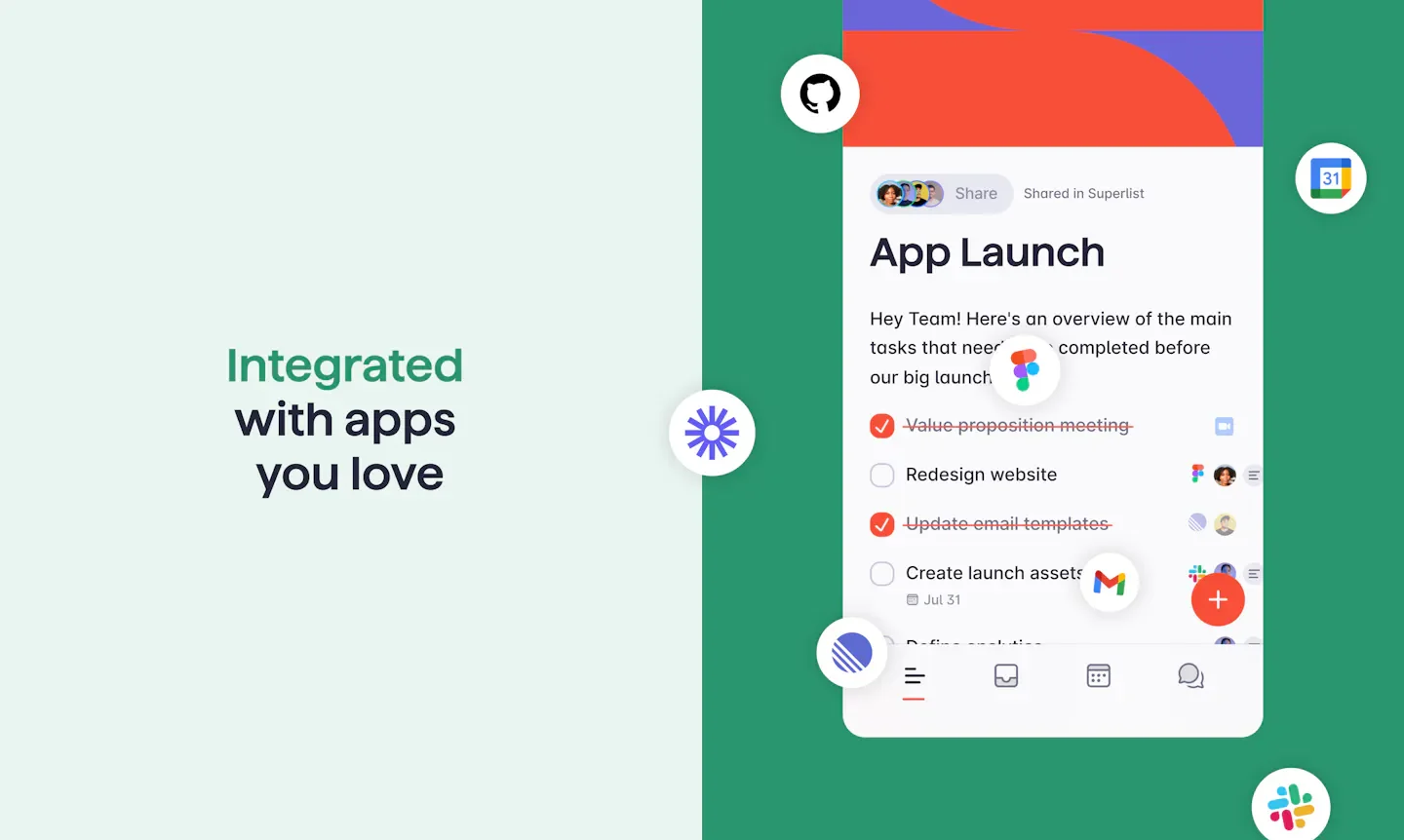
About Superlist
Superlist is a work tool combining to-do lists, notes, and project planning, keeping task descriptions, images, and attachments directly within the list. Suitable for users who need to manage personal schedules, family division of labor, and team work simultaneously, it allows breaking down goals with multi-level subtasks while scheduling deadlines, reminders, and recurring items.
It also connects voice input and meeting notes into task workflows: dictated content can be converted into to-dos, while meetings can be recorded, transcribed, and organized into summaries, assignees, and due dates for direct post-meeting follow-up. Teams can share and assign work in real time and use it across Mac, web, iOS, and Android; AI generation features additionally assist in creating lists, project summaries, and expanding plans.
Features
- Task and Note Integration: Organize to-dos and notes in a single list with images, attachments, and rich text formatting, and convert notes into tasks.
- Multi-Level Lists and Subtasks: Break down large goals using sublists, nested tasks, and checklists to organize project and document contents.
- Deadlines and Recurring Reminders: Schedule task due dates and reminders, allowing daily habits, routine work, or billing items to repeat automatically.
- Sharing and Task Assignment: Share lists in real time, assign tasks, and track progress, or share lists with teams or public audiences.
- Quick Voice Addition: Dictate to-dos via Talk and Voice AI, organizing voice content into tasks.
- AI Meeting Notes: Record and transcribe meetings, automatically recognize languages, and organize summaries, action items, assignees, and due dates without needing a meeting bot to join.
- Transcript Conversation: Ask questions about transcripts, organize key points, and confirm discussion contents during or after meetings.
- Make AI Generation: Create lists from requirements, generate project briefs, assist with research, or expand existing project plans.
- Cross-Device and Quick Access: Supports macOS, web, iOS, Android, and offline use, adding tasks from home screen or lock screen widgets.
- Service Integration and Task Summary: Paid plans provide integration features, with the Super plan additionally listing email and Slack task summaries.
Use cases
- Individuals organize work to-dos, life reminders, and monthly bills into lists, using subtasks and recurring reminders to schedule daily items.
- Project teams directly convert action items from meeting summaries into assignable tasks with deadlines, continuously tracking progress.
- Family members share grocery and chore lists, adding items and checking division of labor on phones or computers.
- Planning workers first use Make AI to create project lists and briefs, then supplement them with notes, attachments, and subdivided tasks.
Categories: Tool Resources
Pricing
Provides a permanently free plan; Basic is $59 per user annually (the page lists approximately $5 monthly), and Super is $249 per user annually (the page lists approximately $21 monthly). The public page does not specify the currency for the dollar amounts, nor does it provide a stand-alone monthly payment amount.