Raycast
Raycast is a keyboard-driven, extensible launcher that centralizes application opening, file searching, text snippets, clipboard history, and window management into a single entry point, making it suitable for designers, engineers, and workers who frequently switch between tools. By setting up shortcuts, command aliases, and quicklinks, you can directly invoke frequently used operations and also access existing services through extensions.
Product screenshots

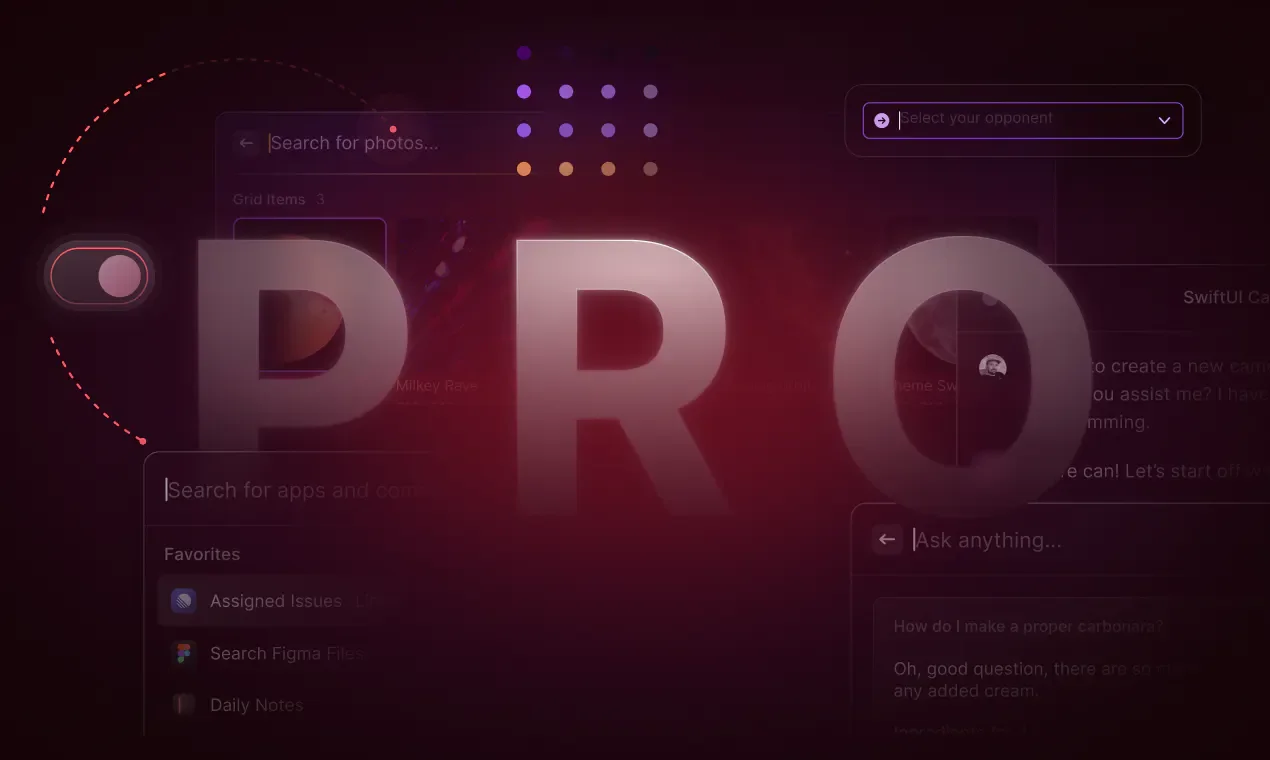
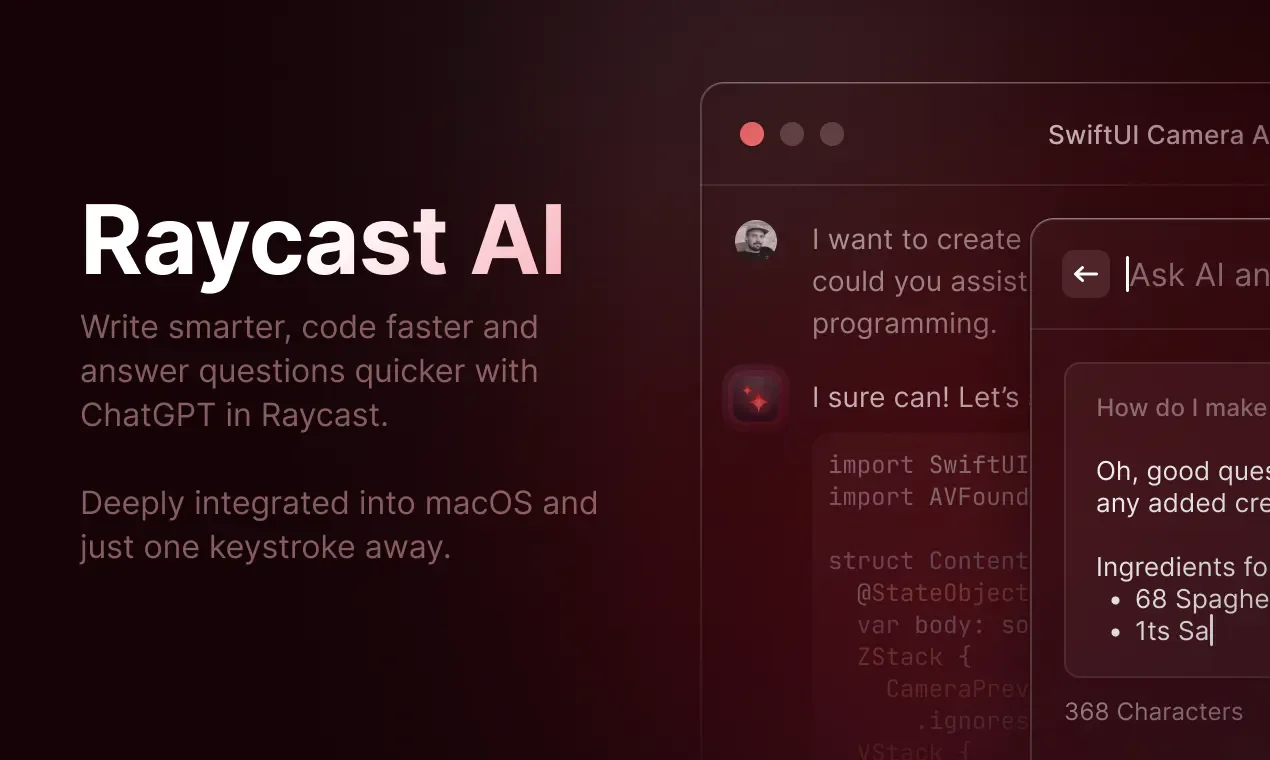
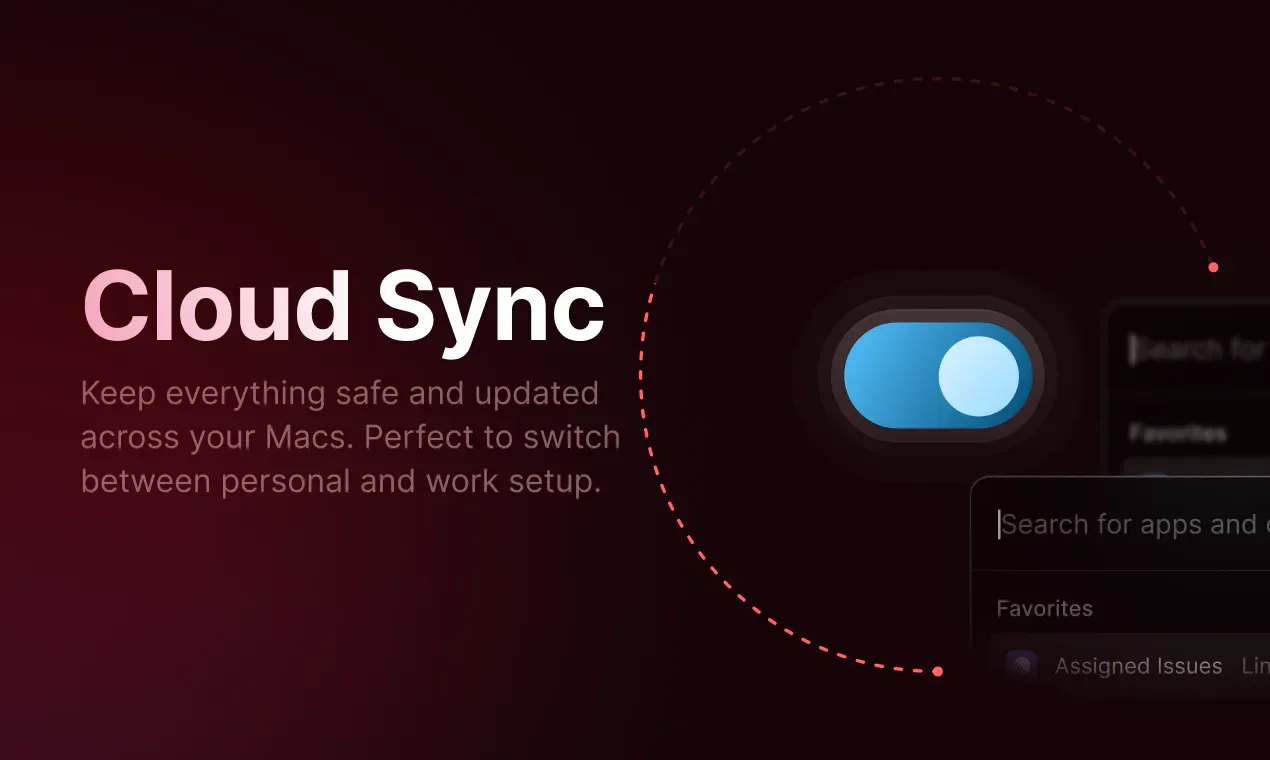
About Raycast
Raycast is a keyboard-driven, extensible launcher that centralizes application opening, file searching, text snippets, clipboard history, and window management into a single entry point, making it suitable for designers, engineers, and workers who frequently switch between tools. By setting up shortcuts, command aliases, and quicklinks, you can directly invoke frequently used operations and also access existing services through extensions.
Paid plans add AI chat, custom agents, and scheduled tasks, allowing users to handle work matched to screen context, project instructions, and connected tools, while utilizing their own model subscriptions or API keys. Teams can share common commands and text snippets, and developers can build their own extensions; the versions listed on the AI features page require macOS Tahoe and Apple Silicon.
Features
- Keyboard launch and command shortcuts: Invoke applications and frequent commands from the launcher, and set up keyboard shortcuts or aliases.
- Extension store and tool integration: Install extensions to directly search or operate on content within services like Linear, Notion, Spotify, and browsers.
- Text snippets and quicklinks: Insert pre-stored text by entering keywords, or open frequently used resources via quicklinks.
- Clipboard history: Access previously copied content, with history retention limits varying by plan.
- System and window tools: Centrally provides operations such as window management, file search, calculations, emojis, and script execution.
- Notes and daily management: Quickly record ideas and provide tools for timing, reminders, schedule planning, and distraction blocking.
- AI chat and quick queries: Operate agents via AI chat, or handle ad-hoc questions using Quick AI shortcuts.
- Projects and custom agents: Set dedicated instructions and memories for projects, and create custom agents using different instructions and models.
- Screen context understanding: Provide on-screen content to agents as working background, reducing steps to re-describe context.
- Schedule automation: Arrange for agents to periodically handle tasks such as checking emails or preparing weekly work updates.
- AI commands and tool integration: Turn frequent prompts into shortcut operations and connect daily tools via AI extensions.
- Model and own-account selection: Use models from different suppliers in the same interface, connect your own API keys, Claude or ChatGPT subscriptions, and use local models via Ollama.
- Voice dictation and translation: Paid plans provide speech-to-text and translation tools.
- Cloud sync and personalization: Synchronize text snippets, notes, and conversations across Mac, Windows, and iOS devices, and provide custom themes and window management commands.
- Extension development: Build extensions using TypeScript, React, and Node.js, utilizing built-in UI components and publishing to the store.
- Team sharing and enterprise control: Share commands, text snippets, and quicklinks, and establish a private store; enterprise plans additionally provide management features such as SAML, SCIM, and tool allowlists.
- Local data and privacy settings: Data is stored locally by default, and when cloud sync is enabled, conversations are stored encrypted on servers; the official statement specifies that model suppliers are not allowed to use AI interaction content to train models.
Use cases
- Engineers search or update Linear tasks and create Notion pages from the same keyboard entry point, then switch to the required application.
- People who frequently reply to similar messages save addresses or fixed explanations as text snippets, inserting them quickly using keywords.
- Use AI agents to periodically check emails or prepare weekly updates, providing a fixed work context with project instructions.
- Teams organize shared commands, quicklinks, and text snippets, allowing members to acquire internal extension tools from a private store.
Categories: Tool Resources
Pricing
Free plan available; Personal Pro is $10/month or $96/year, Plus is $20/month or $192/year, Max is $50/month or $480/year; Team paid plans start at Pro at $15/user/month or $144/user/year; Enterprise plans are annual billing only, quote upon inquiry. Public pages only indicate $ without specifying the currency.