Photopea
Photopea is a free online image editor operated directly in the browser, suitable for graphic designers, small businesses, social media creators, and teachers and students needing to produce assignments or presentations. After opening an image, users can crop, resize, add text, and apply effects, as well as use layers, masks, and blend modes for more complex compositing without needing to install desktop software first.
Product screenshots
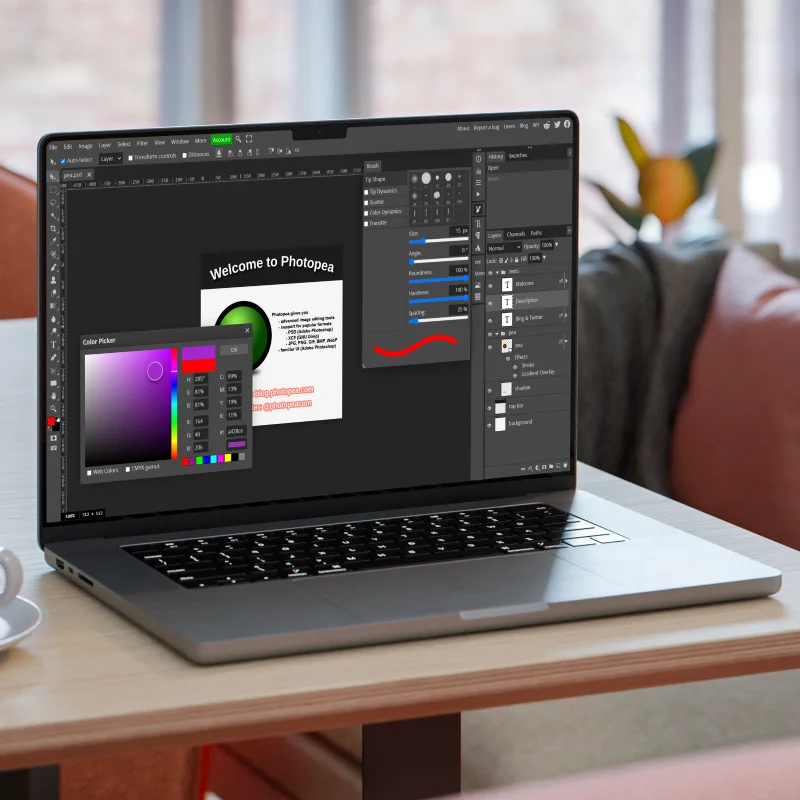
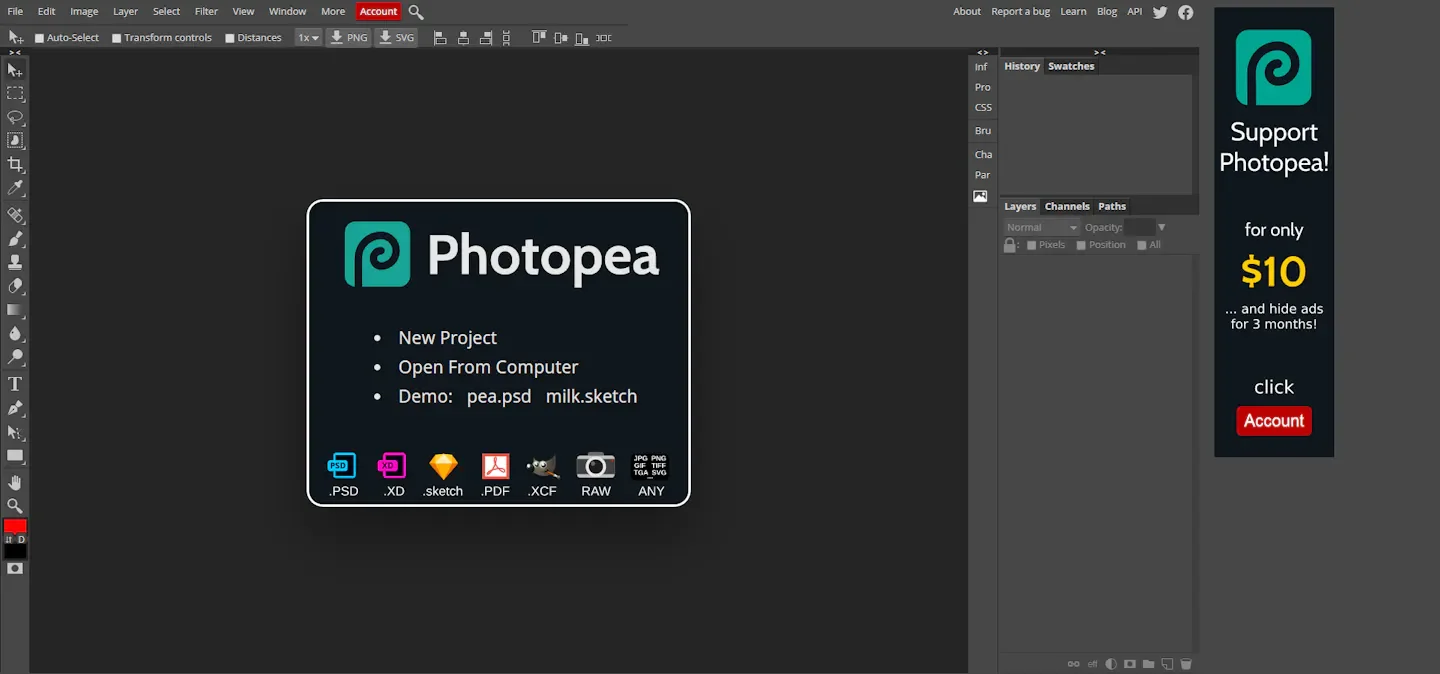
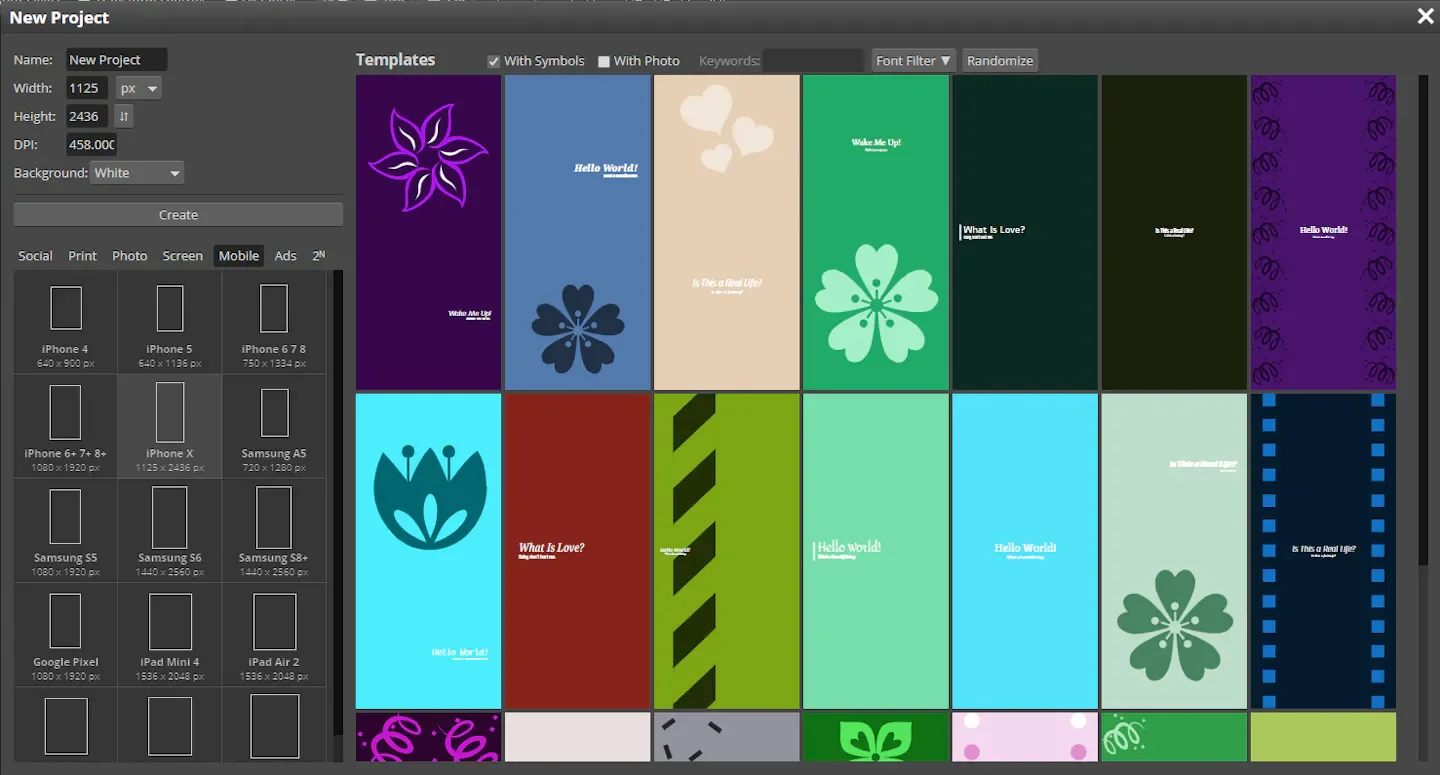
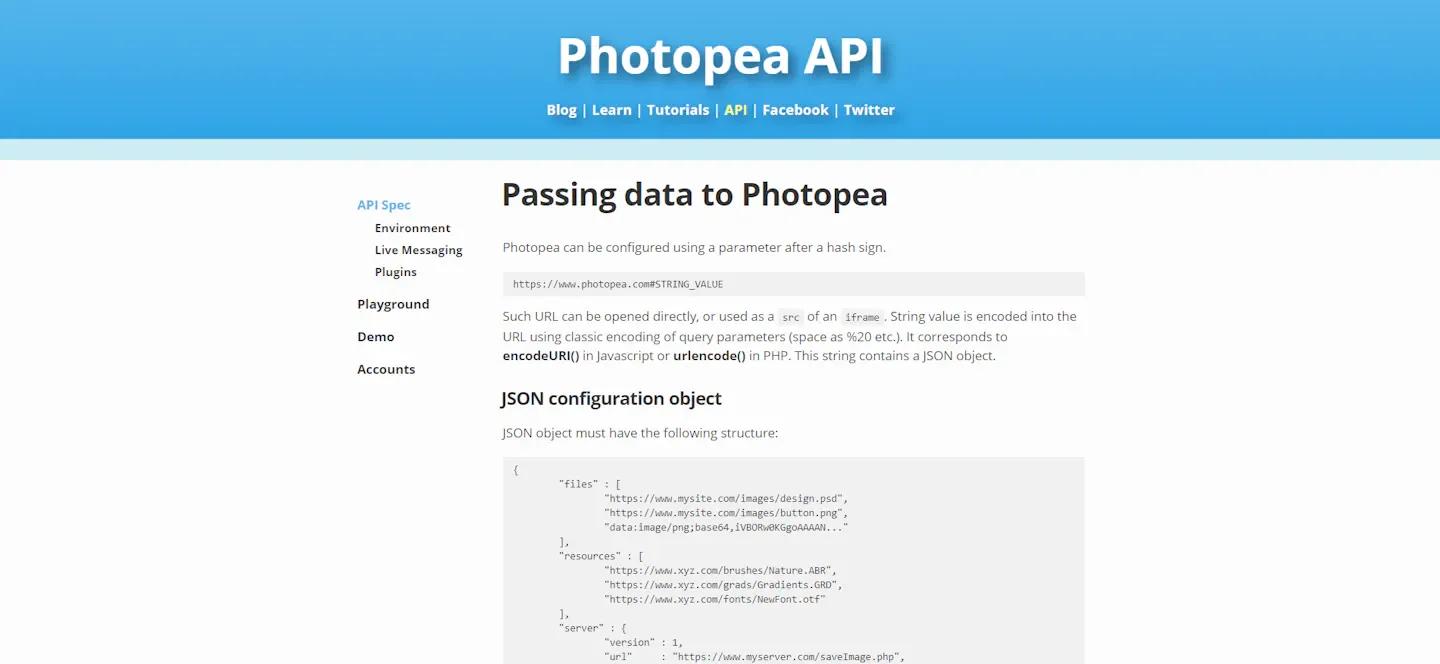
About Photopea
Photopea is a free online image editor operated directly in the browser, suitable for graphic designers, small businesses, social media creators, and teachers and students needing to produce assignments or presentations. After opening an image, users can crop, resize, add text, and apply effects, as well as use layers, masks, and blend modes for more complex compositing without needing to install desktop software first.
It uses PSD as its primary format, supporting opening and saving, and can edit a wide variety of image, vector, and design files. Photography users can open RAW files to adjust exposure, color, and tones, while design work can utilize vector tools and AI background removal, or replace localized content using text descriptions. The official website emphasizes that files are processed on the device without needing to be uploaded, making it suitable for those who want to complete editing directly on their local machine.
Features
- Basic photo editing: Provides cropping, resizing, text addition, and effect application to handle everyday image modifications.
- Layer compositing: Supports layers, masks, blending, layer styles, smart objects, adjustment layers, and channels to combine and retouch image content.
- PSD opening and saving: Uses PSD as the primary format, allowing users to read and save such design files.
- Multi-format editing: Opens and edits PNG, JPG, GIF, SVG, PDF, AI, HEIC, TIFF, Figma, and many other formats.
- RAW image adjustment: Supports DNG, CR2, CR3, NEF, ARW, and other formats, allowing adjustments to exposure, color balance, contrast, highlights, and shadows.
- AI background removal: Provides one-click background removal to eliminate image backgrounds.
- AI localized replacement: Replaces specified parts of an image with new content via text descriptions.
- Advanced adjustments and filters: Provides editing tools such as levels, curves, Gaussian blur, liquefy, and puppet warp.
- Vector graphic editing: Directly creates and modifies vector graphics for logo, icon, and illustration design.
- Local browser processing: Requires no installation; files are processed by the device's CPU and GPU, and the official website states that files do not need to be uploaded and never leave the device.
Use cases
- Small businesses can crop product photos, add promotional text, and process backgrounds to produce images for online stores or promotional use.
- Designers needing to modify PSD materials can open files directly in the browser, edit them using layers and masks, and save them.
- Photography users can open RAW photos to adjust exposure, color balance, and highlight/shadow details.
- Teachers and students can edit photos, add text, or create vector graphics to prepare visual materials needed for assignments and presentations.
Categories: Design Resources, Tool Resources
Platforms: Web
Pricing
Free to use (according to the official website's homepage description).
Frequently asked questions
- Can Photopea open and save PSD files?
Yes. Photopea uses PSD as its primary document format; to open a file, select File > Open or drag the file into the editor, and to preserve the document structure, use File > Save as PSD.
- How does Photopea export PNG or JPG files?
After finishing editing, select File > Export As, then choose PNG, JPG, or another required format; adjust the image resolution in the export window and save the file.
- Does Photopea require installing software?
No. Open the official Photopea website to edit in the browser; the official recommendation suggests using a large screen, mouse or stylus, and keyboard for easier operation.