Framer
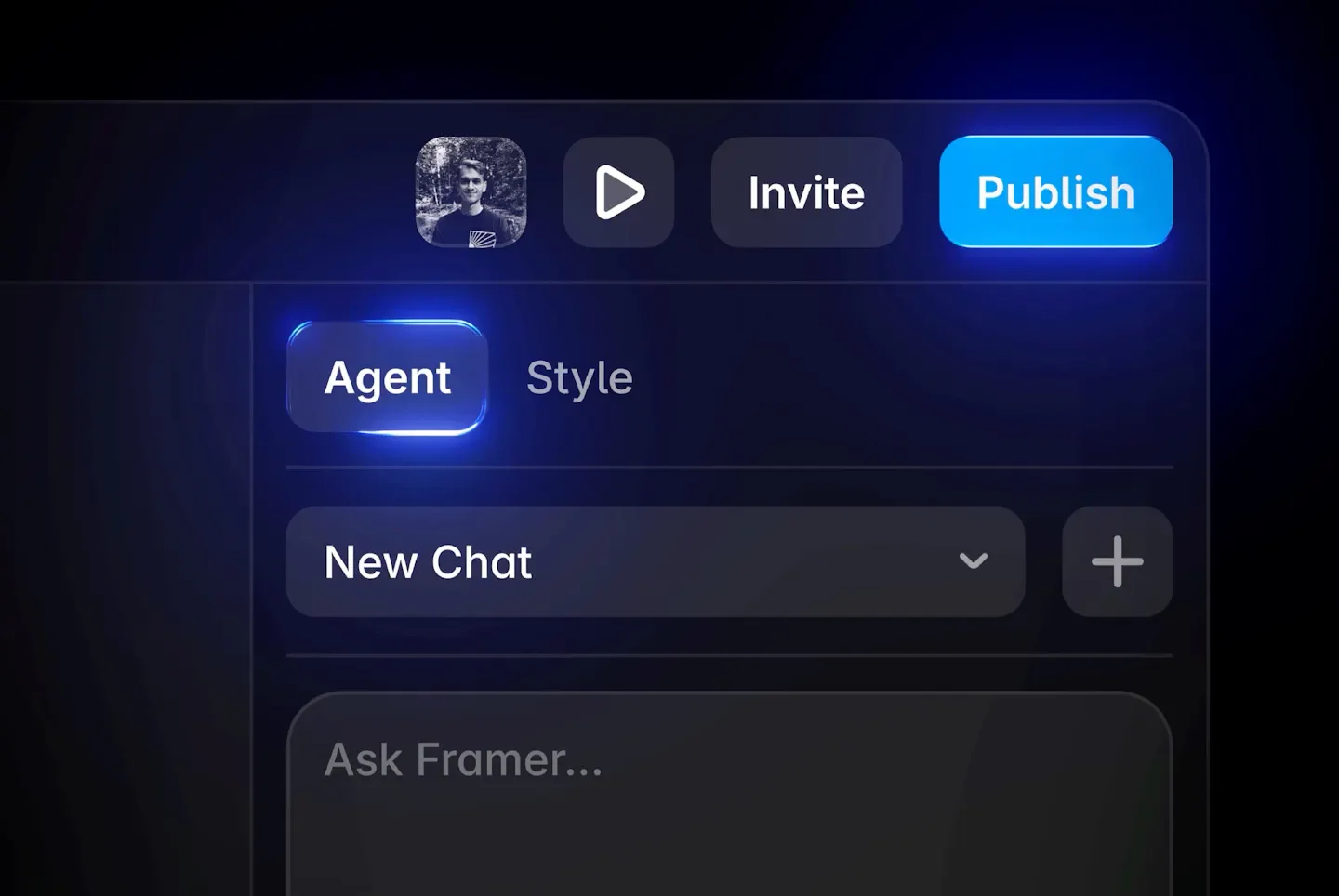
Framer is a platform combining AI design agents, visual canvas, and website publishing, suitable for designers, freelance studios, marketers, and corporate web teams. Users can start from text prompts, reference images, or URLs, allowing the agent to propose layout directions and build responsive design, then directly adjust content and styles on the canvas; changes generated by the agent remain editable.
Product screenshots

About Framer
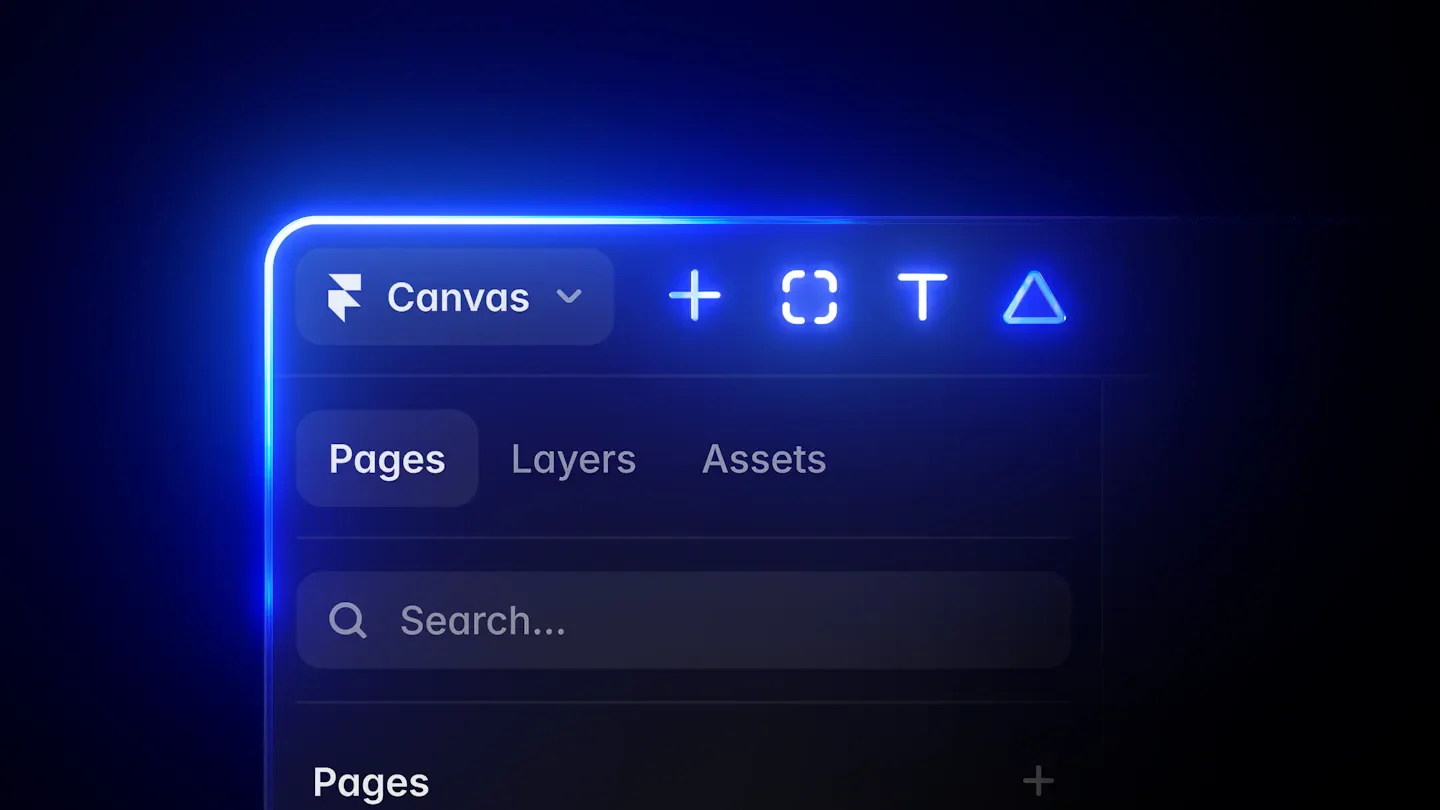
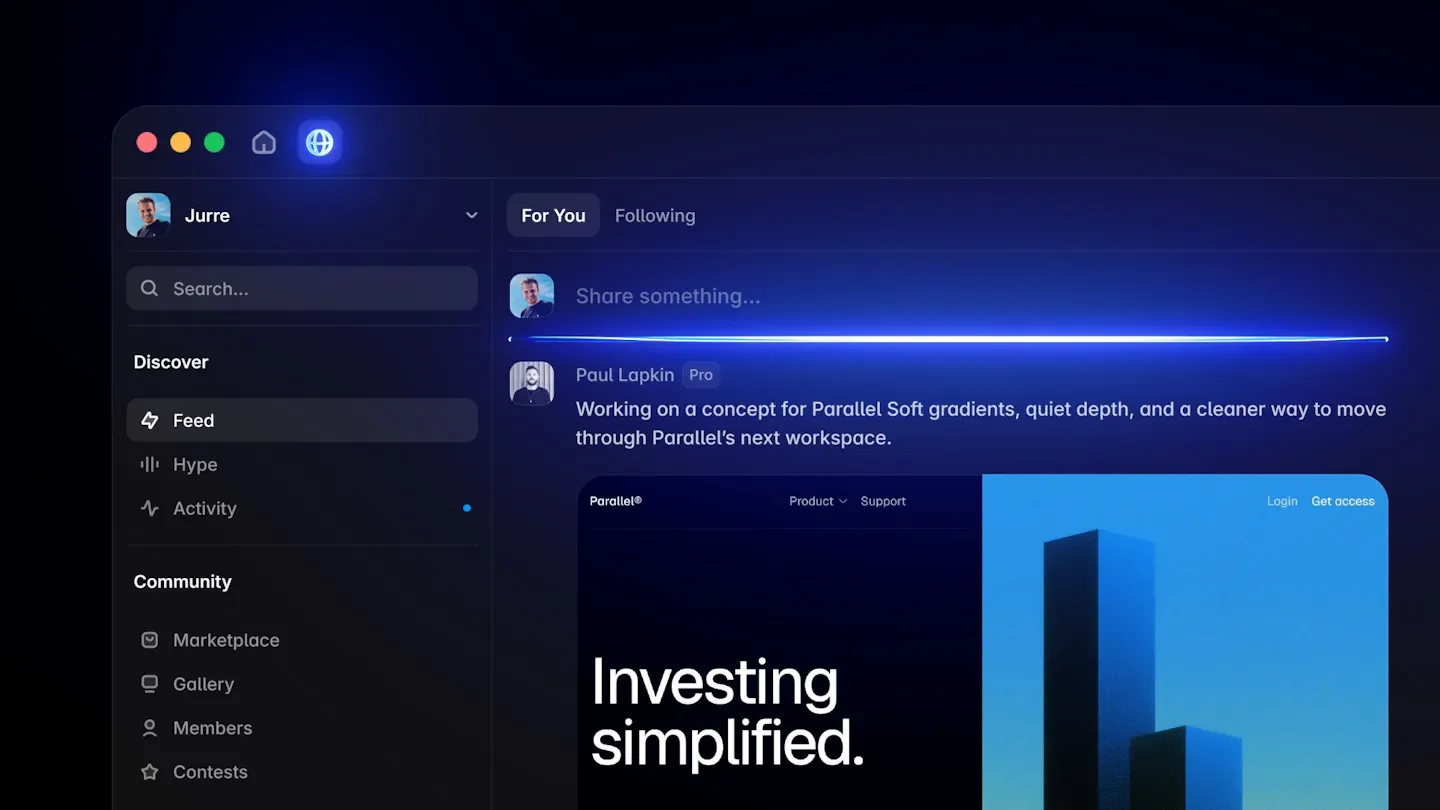
Framer is a platform combining AI design agents, visual canvas, and website publishing, suitable for designers, freelance studios, marketers, and corporate web teams. Users can start from text prompts, reference images, or URLs, allowing the agent to propose layout directions and build responsive design, then directly adjust content and styles on the canvas; changes generated by the agent remain editable.
In addition to visual design, Framer also integrates content management, interactive code, hosting, security, and SEO into the same environment. Teams can manage articles, collaborate on modifications, and use branch previews and publishing features according to their plan, along with multi-language capabilities, traffic analytics, or add-on conversion testing to continuously adjust website projects from initial proposal all the way to launch.
Features
- Editable design agent: Generate and modify website layouts on the canvas, with all changes visible and available for manual adjustment of content and style.
- Reference material to layout: Use images or URLs as a starting point to convert reference layouts, styles, and visual feelings into editable web designs.
- Responsive layouts: Adjust stacks, font sizes, spacing, and image cropping based on breakpoints such as tablets and phones.
- Code and custom interaction: Create custom effects and interactive code through the agent, adding website elements like sticky navigation bars, animated menus, or interactive carousels.
- Animation and visual effects: Set up web animations, click and hover interactions, and add gradients, glass, and particle effects.
- Advanced typography: Adjust variable font weights, widths, and optical sizes, and use OpenType options like ligatures and stylistic alternates.
- Graphic element editing: Draw and manage icons, crop elements with custom shape masks, and replace default cursors with images or other elements.
- Form design and publishing: Create text fields, checkboxes, and drop-down menus, and publish them as usable website forms.
- Content management agent: Create, organize, and update CMS, connecting content data to the canvas to keep content and design in sync.
- External agent integration: Operate the website through tools like the terminal, Codex, Claude Code, or Cursor to update copywriting and content data, or publish via GitHub PR; the pricing page indicates this feature is still in preview.
- Website hosting and security: Integrated hosting, security, and CDN, providing different traffic and hosting specs based on the plan, with advanced hosting options available.
- Search engine settings: Set page titles, descriptions, and social previews, and use features like website redirects according to the plan.
- Collaboration and version preview: Supports team co-editing and role permission management, with branch previews and staging environments available depending on the plan.
- Multi-language localization: Provides website language management and AI translation, with additional languages available as add-ons based on the plan.
- Website traffic analytics: View metrics such as visitors, page views, and bounce rates, with data retention periods varying by plan.
- Conversion testing add-on: Perform A/B testing and funnel analysis via the Convert add-on feature, and use triggers for customization.
Use cases
- When freelance designers create client websites, they explore layouts using reference images or URLs, then manually fine-tune responsive designs, forms, and interactive effects.
- When enterprise content teams run a blog, they organize and update articles through the content management agent and connect content data to the website layout.
- After launching a campaign page, marketing teams use traffic analytics to observe performance and purchase Convert add-ons as needed to compare conversion results of different versions.
- When web teams prepare for a redesign, they use branch previews and staging environments according to their plan to review modifications before official publishing.
Categories: Design Resources, ,AI Resources
Pricing
Free plan available; billed annually, Basic starts at $10/month and Pro starts at $30/month; Enterprise available upon inquiry (source displays prices with $ symbol without specifying currency).