Eagle
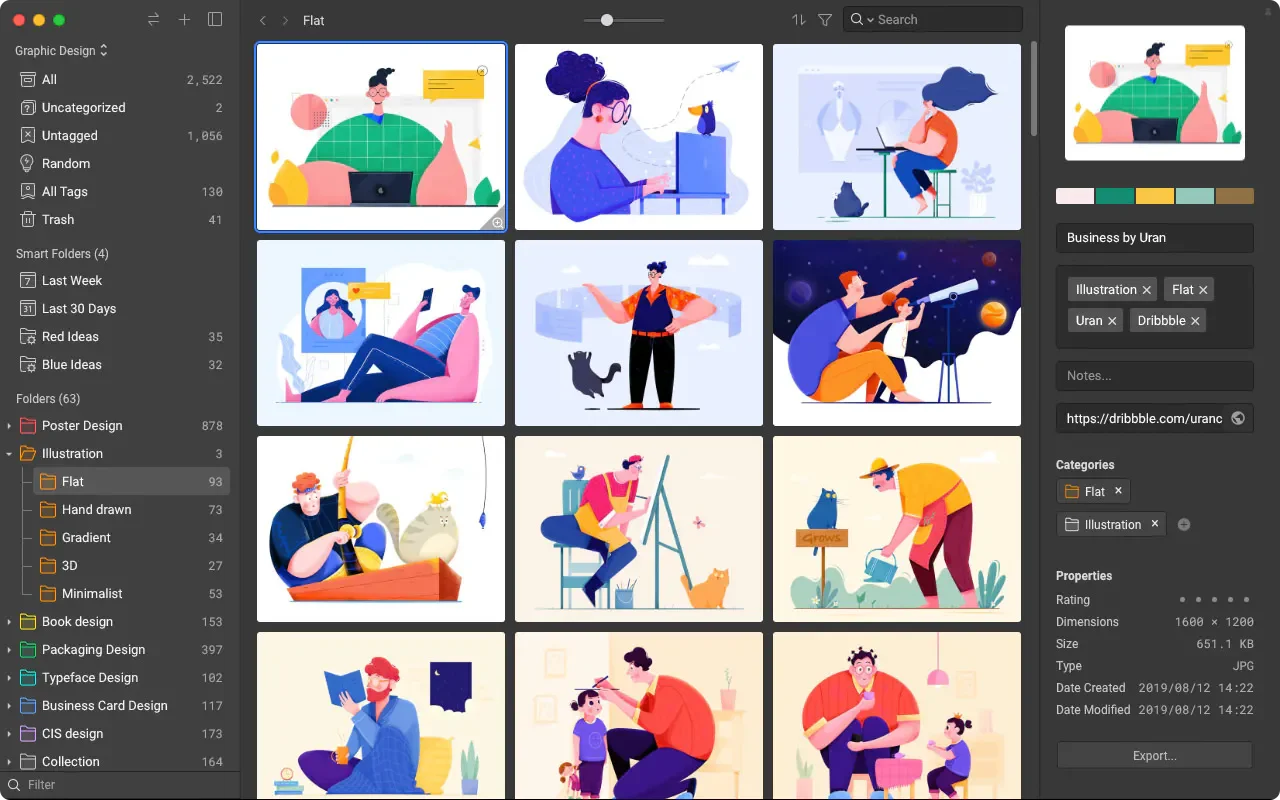
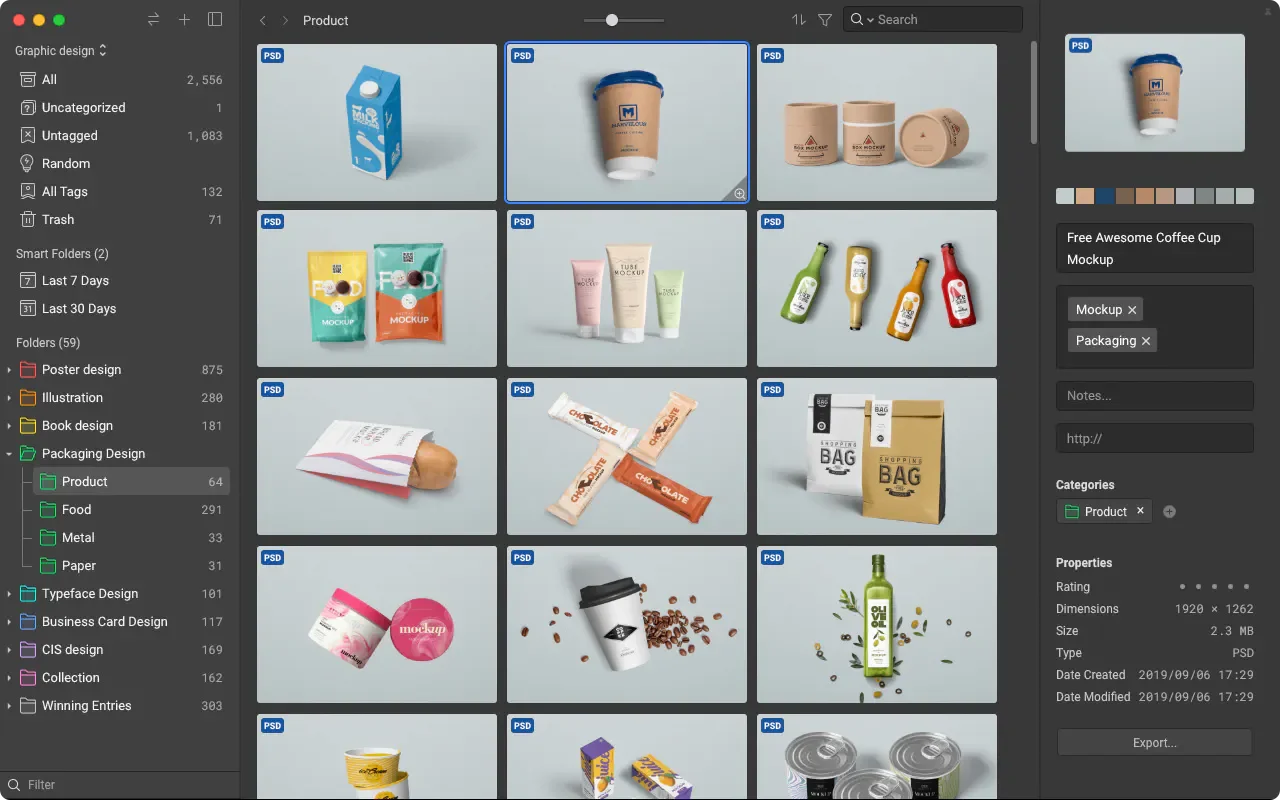
Eagle is an asset management software supporting Mac and Windows that centralizes images, videos, audio files, fonts, and website links, suitable for designers, photographers, and creators who need to repeatedly look up reference materials. Assets can be added via browser extensions, drag-and-drop, screenshots, or the clipboard, and then organized by creating project folders, tags, and annotations.
Product screenshots
About Eagle
Eagle is an asset management software supporting Mac and Windows that centralizes images, videos, audio files, fonts, and website links, suitable for designers, photographers, and creators who need to repeatedly look up reference materials. Assets can be added via browser extensions, drag-and-drop, screenshots, or the clipboard, and then organized by creating project folders, tags, and annotations.
As collections grow, users can maintain organization using conditional smart folders, duplicate file scanning, and batch sorting, and retrieve needed content through keyword, color, or semantic search. Its key feature integrates collection, organization, preview, and search into a single workflow, while also providing model settings, AI actions, and external agent integration to extend automated asset management.
Features
- Multi-channel asset collection: Add assets via browser extensions, drag-and-drop, screenshots, or the clipboard, with support for batch web collection and high-resolution image capture.
- Classification and batch sorting: Organize assets using multi-level folders, tags, and star ratings, or set up folder auto-tagging and conditional smart folders.
- Asset annotation: Directly mark ideas and perspectives on assets to preserve details that need attention during referencing.
- Sorting action automation: Customize continuous sorting workflows and let AI perform categorization, naming, and description writing based on naming rules, tagging logic, and processing steps.
- Duplicate file scanning: Scan for identical or similar files and provide merge processing to organize duplicate collections.
- AI asset search: Find assets by image, semantics, or source without relying entirely on file names and tags.
- Keywords and advanced filtering: Search names, tags, URLs, annotations, and other content, combining color, format, and other conditions to narrow down results.
- Inspiration extension and source lookup: Integrate Pinterest image search, find image sources, authors, and names, or explore collections using random arrangement.
- Multi-format quick preview: Support direct preview or playback of over a hundred formats, allowing quick viewing of images, GIFs, videos, and audio files via cursor hover or the spacebar.
- Browsing and comparison operations: Provide waterfall and other layouts, free zooming, multi-window, and always-on-top preview to facilitate viewing different assets simultaneously.
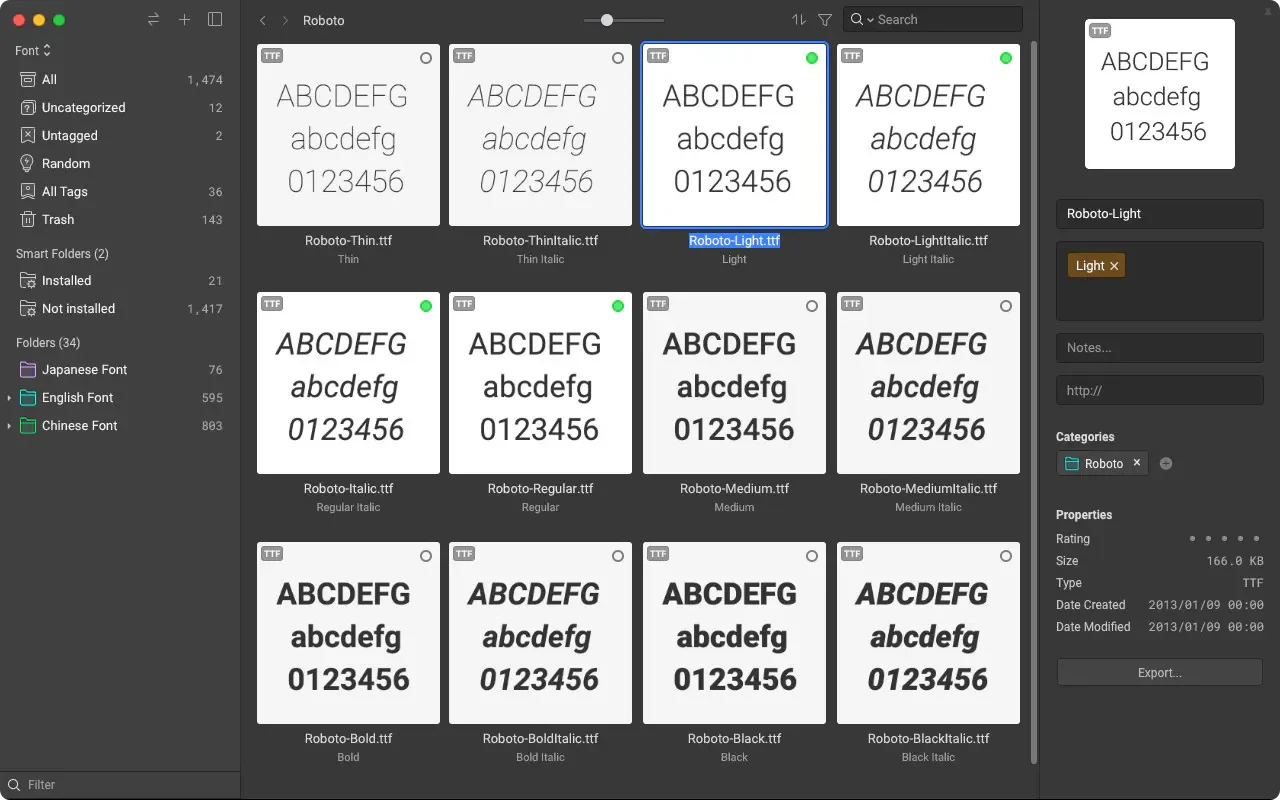
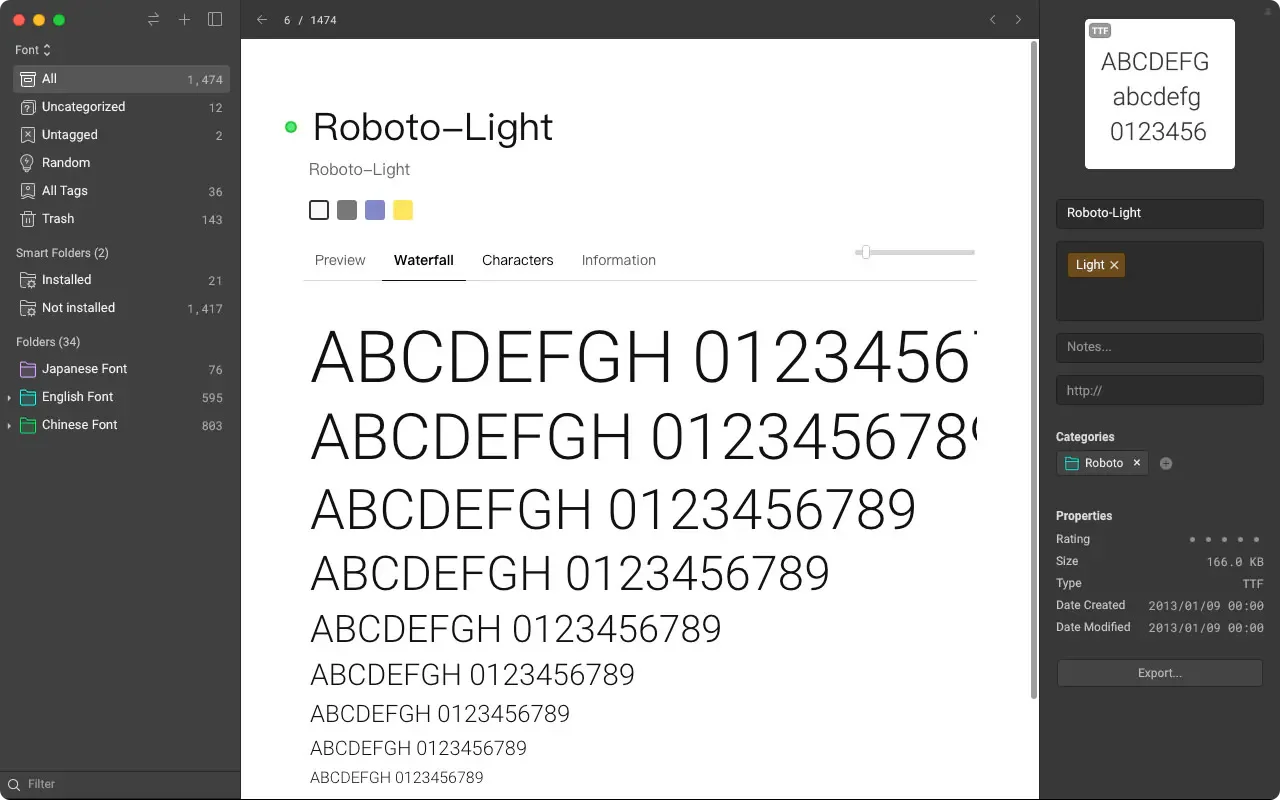
- Font file management: Preview and categorize fonts without installing them first, and recognize installed fonts.
- Website and video bookmarks: Collect website links, and organize and directly preview YouTube and Vimeo video links.
- Plugin expansion: Add official or third-party tools via the plugin center, covering uses such as background removal, image upscaling, and object removal, while also providing a plugin development mechanism.
- AI model and agent integration: Manage models through a unified settings center and connect third-party AI agents via Eagle MCP and Skills.
- External synchronization tool pairing: Can be paired with other cloud synchronization tools to manage asset content across multiple devices.
- Asset password protection: Lock materials that need to be hidden, and only display content after entering the password.
Use cases
- When gathering brand or layout design references, batch collect web images, tag them by project, and retrieve assets using color or semantic search.
- When organizing video and soundtrack data, quickly view videos or play audio files through hover preview, reducing the need to open files one by one.
- When building a font reference library, preview and categorize uninstalled fonts before selecting the typeface suited for the current design project.
Categories: Design Resources, Tool Resources
Pricing
Paid: One-time purchase for a lifetime license, including future version updates; a 30-day full-featured free trial is provided. Store descriptions currently do not list pricing or currency.