CleanShot X
CleanShot X is a screen capture, screen recording, and visual communication tool designed for macOS, suitable for individuals and teams who need to create tutorials, report issues, or review designs. After capturing the screen, you can directly copy, save, or drag and drop from the floating panel to other applications, as well as annotate highlights, obscure sensitive information, and adjust image backgrounds.
Product screenshots
About CleanShot X
CleanShot X is a screen capture, screen recording, and visual communication tool designed for macOS, suitable for individuals and teams who need to create tutorials, report issues, or review designs. After capturing the screen, you can directly copy, save, or drag and drop from the floating panel to other applications, as well as annotate highlights, obscure sensitive information, and adjust image backgrounds.
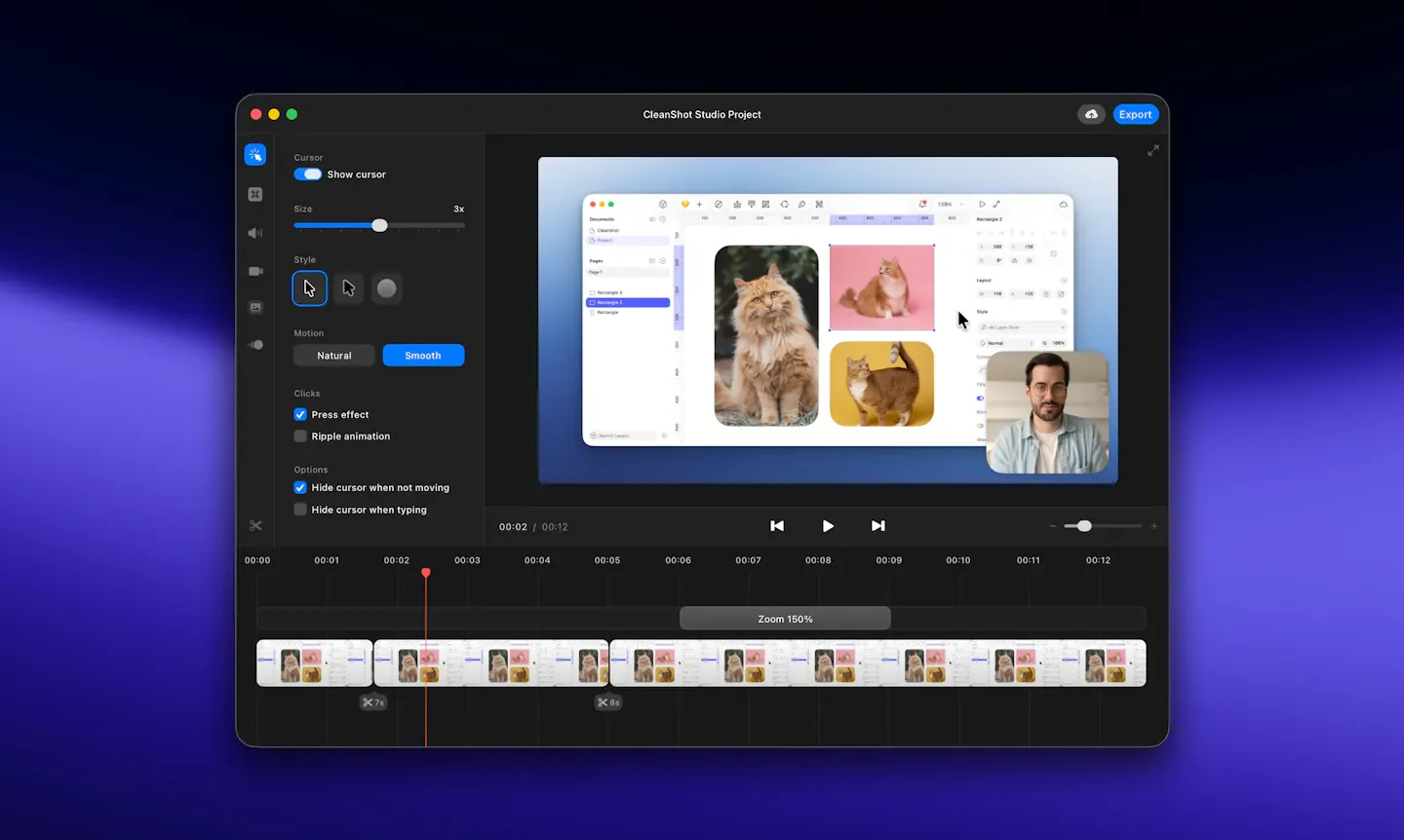
It integrates scrolling long-page screenshots, on-device text recognition, and video recording editing into a single Mac workflow. Recordings can incorporate webcam feeds, voiceovers, system audio, and keystroke highlights, and guide viewers using zoom and cursor adjustments. For collaboration, recordings can be uploaded to CleanShot Cloud for centralized discussion via shared links, comments, and searchable content.
Features
- Multi-mode screenshots: Capture regions, windows, or full screen. Supports countdown, horizontal and vertical scrolling screenshots, plus crosshairs, magnifier, and screen freeze.
- Image annotation and redaction: Add arrows, text, step numbers, and highlights. Use blur or pixelation to redact content, and merge images or save editable projects.
- Screenshot background design: Adjust background, padding, shadows, aspect ratio, and alignment. Add custom backgrounds and save reusable styles.
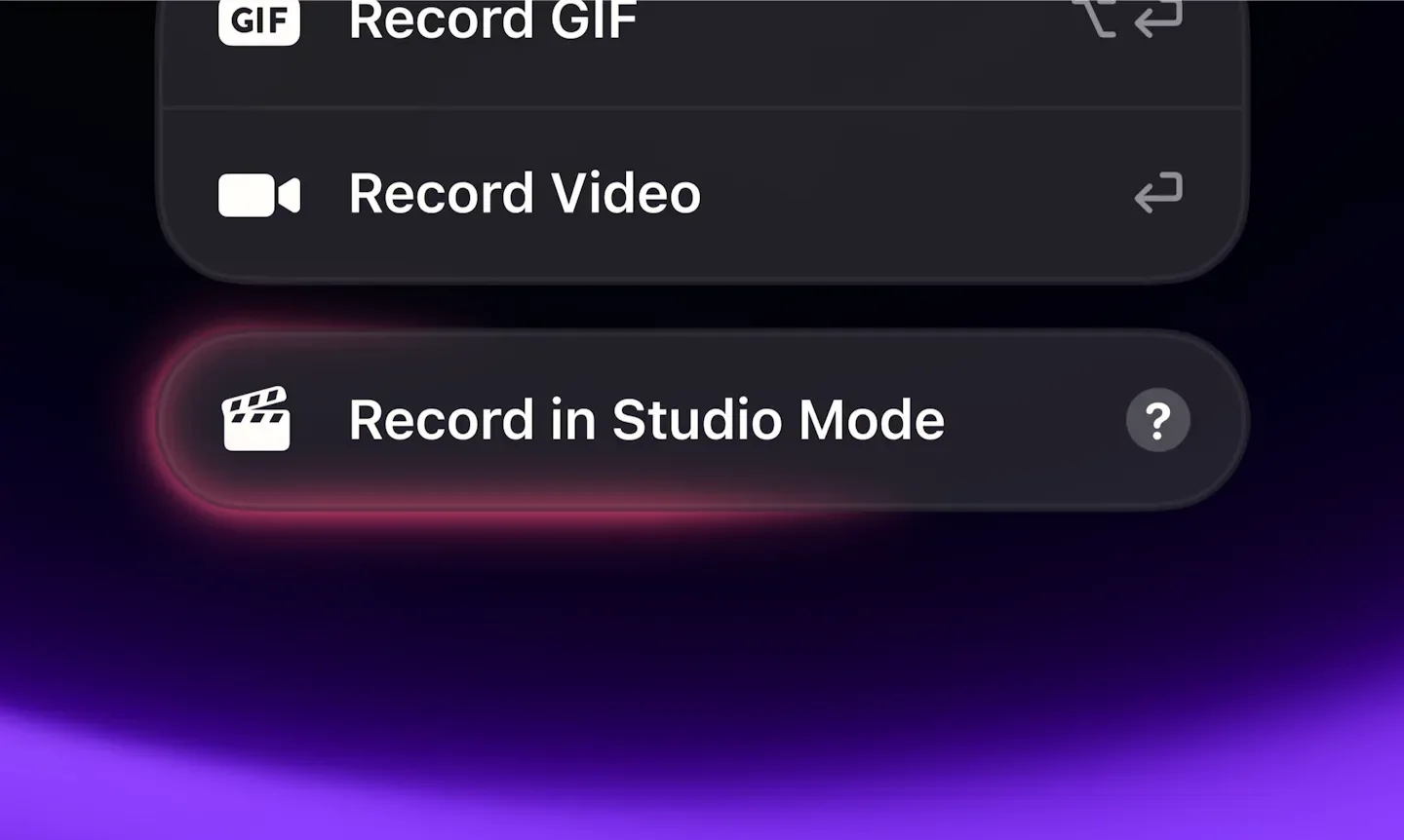
- Screen recording: Record windows, specified regions, or full screen. Simultaneously capture microphone, system audio, and camera feed, display clicks and keystrokes, and export to MP4 or GIF.
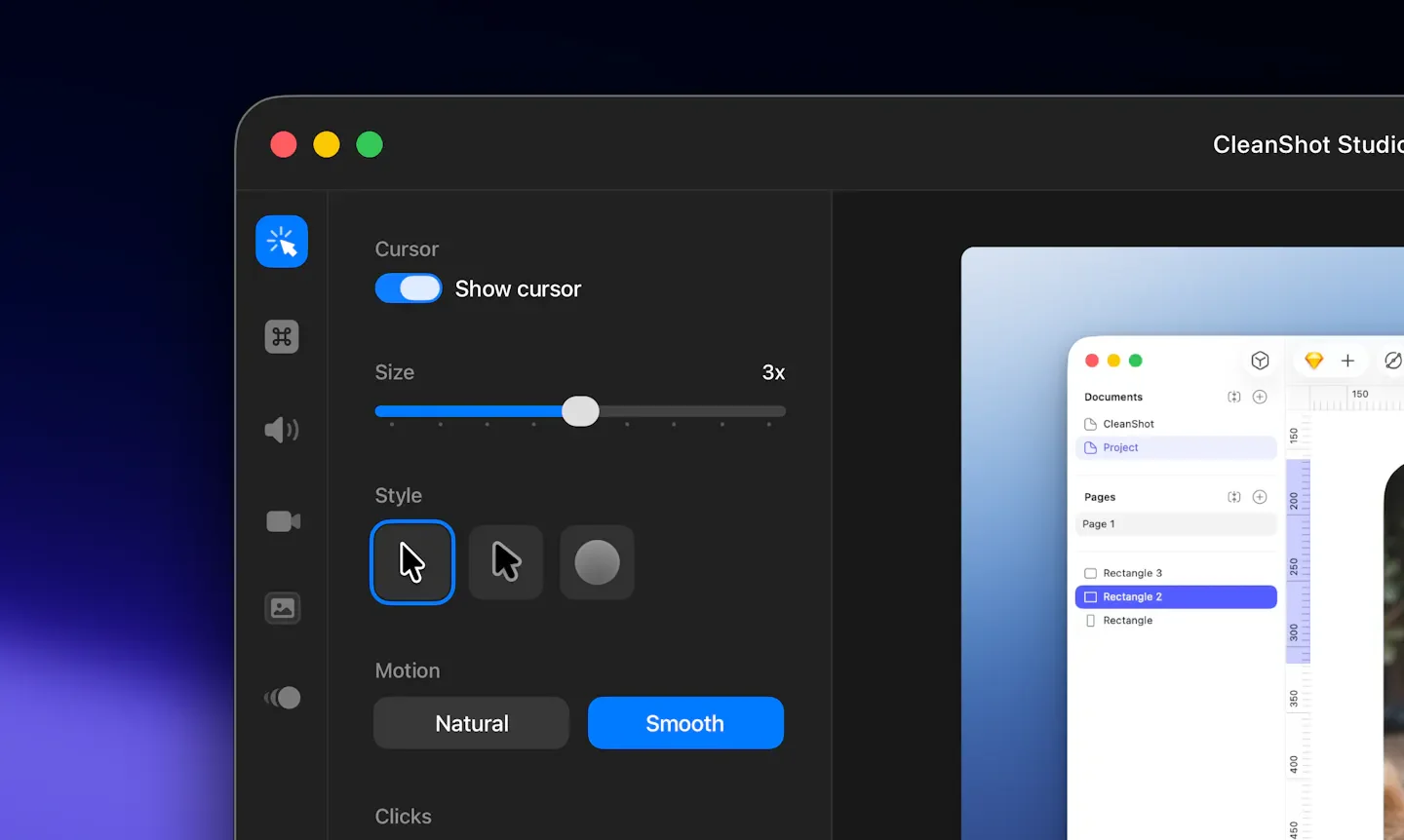
- Built-in video editor: Add smart zoom, smooth cursor, and motion blur, adjust background and cursor appearance, and export horizontal, square, or vertical videos.
- Quick access panel: Instantly preview, save, copy, annotate, or drag-and-drop files right after capturing, and adjust panel position, size, and auto-dismiss behavior.
- On-device OCR: Extract unselectable text from images, video frames, or scanned documents, and read QR codes. Recognition takes place locally on the Mac.
- Floating reference screenshots: Pin screenshots above other windows, adjust size, transparency, and position, and lock them to interact with apps underneath.
- Capture history: Find and restore recent screenshots or recordings, filter by capture type, and retain history for up to one month.
- Cloud sharing and search: One-click upload of screenshots or recordings to get links, centralize content storage, and search by transcript, screenshot content, and tags.
- AV collaboration page: Let teams leave comments on screenshots and recordings, with video pages providing searchable transcripts and captions to attach discussions directly to relevant content.
- Branding and team management: Provide custom domains, branding, link passwords, and expiration settings based on plans, along with SSO, SCIM, and administrative controls.
Use cases
- When creating software tutorials, simultaneously record the screen, narration, and keystrokes, then use smart zoom to highlight key operations.
- When reporting issues that are hard to describe with words, capture long pages or record reproduction steps, redact sensitive information, and share a link.
- During design reviews, mark up changes with arrows and step numbers, then centralize discussions using Cloud comments.
Categories: Tool Resources
Pricing
Pricing: Basic is US$35 as a one-time payment; Pro is US$10 per user per month, billed annually. Taxes may apply at checkout.