Capacities
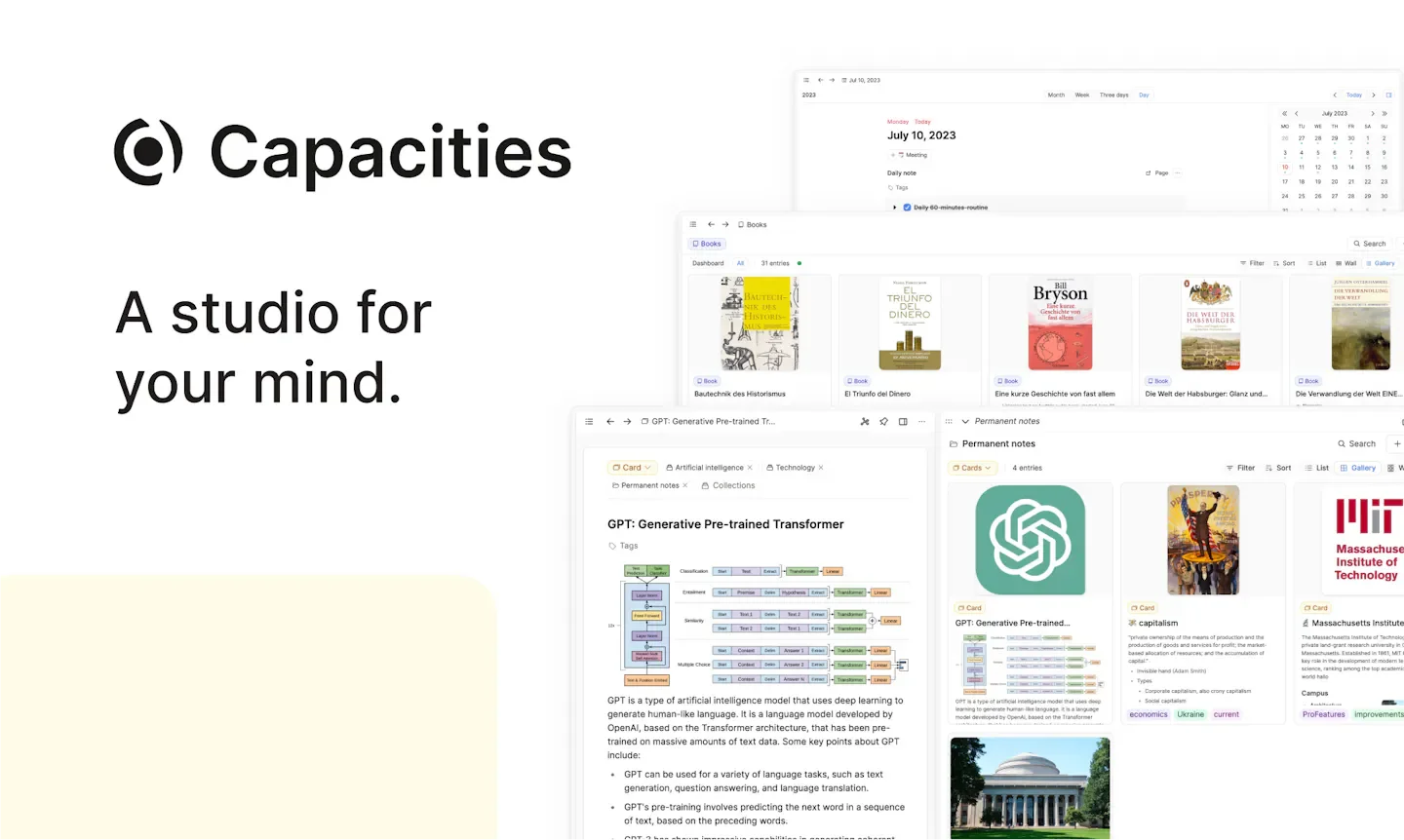
Capacities is a personal knowledge management tool that organizes notes through objects and links, suitable for writers, researchers, students, and anyone who needs to accumulate working knowledge. Users can first jot down ideas in daily notes, and then build people, books, meetings, or projects into different objects, adding attributes and interrelationships to gradually form a traceable knowledge network.
Product screenshots
About Capacities
Capacities is a personal knowledge management tool that organizes notes through objects and links, suitable for writers, researchers, students, and anyone who needs to accumulate working knowledge. Users can first jot down ideas in daily notes, and then build people, books, meetings, or projects into different objects, adding attributes and interrelationships to gradually form a traceable knowledge network.
Each object can have its own templates and views, while bi-directional links and graph views help trace information contexts. Core notes, cross-device synchronization, and exports are included in the free plan; further task management, calendar integration, media analysis, and AI tools fall under paid tiers. It centers on the user's personal thinking space, allowing data structures to accumulate alongside daily writing.
Features
- Custom objects and data structures: Create types for people, books, projects, etc., set attributes and templates such as dates, ratings, and tags, and switch between list, gallery, table, or card views.
- Bi-directional links and graph views: Connect different objects, view citation sources from the backlink panel, and explore knowledge contexts through graph views and cross-system tags.
- Daily notes and quick capture: Record thoughts in daily notes, capture content via WhatsApp, Telegram, or email, and trace records on a timeline.
- Block editing and media embedding: Use headings, lists, toggle blocks, math equations, tables, and code blocks, and insert images, PDFs, audio, and video.
- Search and smart queries: The free plan provides full-text search; paid plans additionally provide search by type, tag, or semantics, smart queries, related content, and unlinked mentions.
- Media reading and analysis: Pro can annotate PDFs, search text within images, view saved web pages in reading mode, and add highlights and summaries.
- AI notes assistant: The paid assistant can search notes, read content along links, search the web, create objects and tasks, update attributes, or rewrite text. Changes can be reviewed item by item.
- External AI connections: Paid plans allow tools like ChatGPT and Claude to read designated spaces and add new notes, along with version history to revert changes.
- Contextual task management: Paid plans allow creating tasks from meeting or project notes, tracking them in the task overview, and sending tasks to tools like Todoist and Things.
- Calendar and reading material integration: Paid plans provide calendar integration and Readwise/Kindle imports, bringing meeting and reading highlights into the note-taking workflow.
- Cross-device and data export: Supports web, Mac, Windows, Linux, iOS, Android, and offline use. Exports Markdown, CSV, and media files while preserving links.
- Read-only sharing and API: Grants others read-only access to notes. Paid plans additionally provide a public API for external integration.
- Data protection and backup: Data is stored on EU servers with encrypted transmission and storage, offering daily offsite backups, two-factor authentication, and optional AI usage per space.
Use cases
- Researchers build papers, reading highlights, and research questions into objects, organizing relationships between different materials through links and backlinks.
- Writers manage characters, world-building, and reference materials with custom objects, capturing inspiration in daily notes and linking back to related creative settings.
- Individual workers use paid task and calendar features to keep to-do items from meeting notes within their original context, then centrally track progress.
- People who need to organize heavy reading materials use Pro to annotate PDFs, search image text, and build personal knowledge bases combined with Readwise or Kindle imports.
Categories: ,AI Resources, Tool Resources
Pricing
Basic is permanently free; Pro is listed as US$9.99/month and Believer starts at US$12.49/month (the attached text does not determine whether monthly or annual billing applies to both). Plus AI add-on uses annual billing, equivalent to US$8.33/month. A credit-card-free Pro free trial is also available.
Frequently asked questions
- Capacities Tutorial: How do beginners start?
Start by identifying common types from existing notes, select a template or create an object type under "+ new type" on the left, and then use sample objects to get familiar with editing. Next, use @ followed by the object name to create links, and use daily notes as an entry point for capturing daily ideas.
- What is the difference between object types and folders in Capacities?
Object types determine the structure of a note; for example, books can have authors and ratings, while projects can have dates and statuses. Objects can link to each other, and backlinks show what content links to the note, making it easy to read along relationships.