Canva
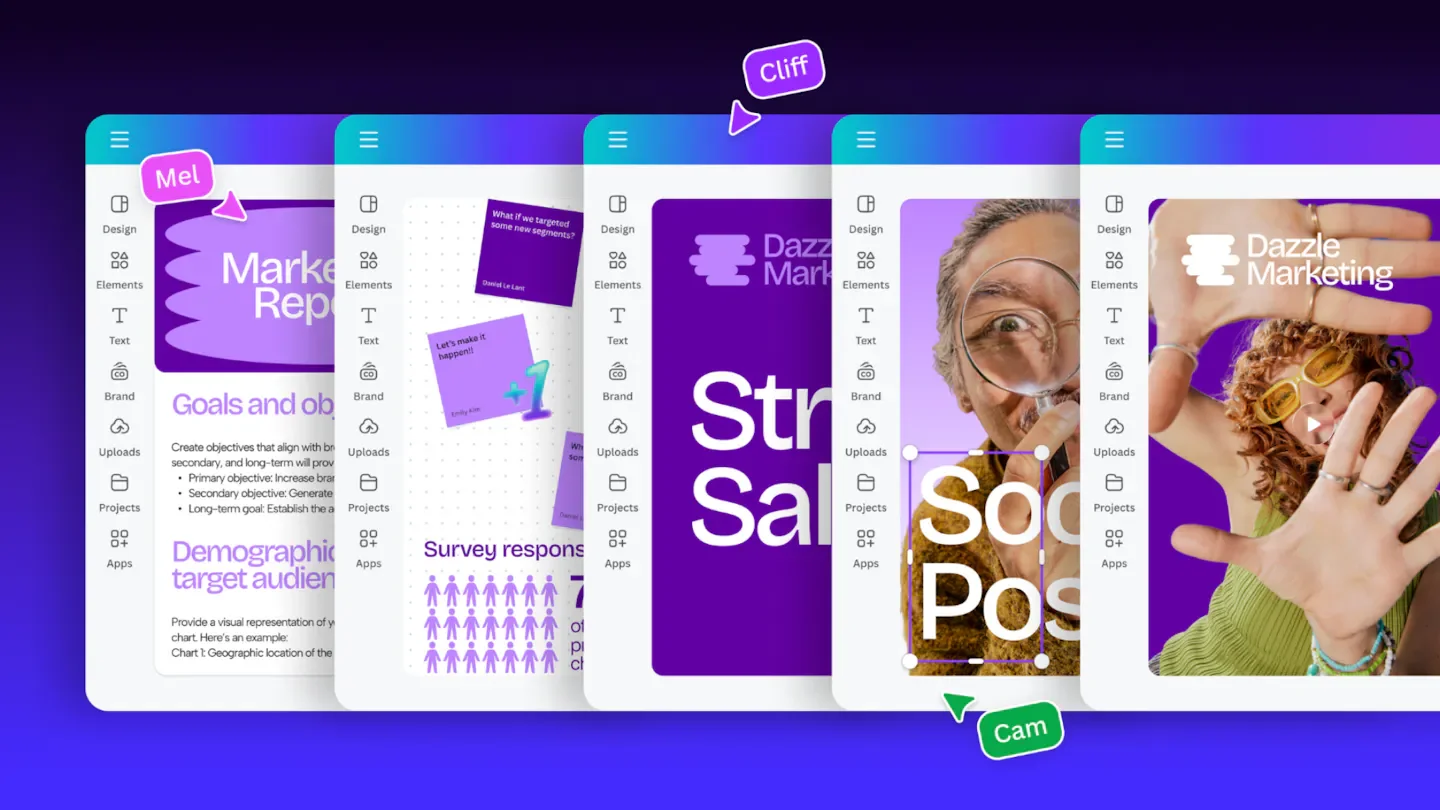
Canva is a platform combining online design, content editing, and publishing, suitable for creators, marketers, and teams that need to produce materials together. Users can start from templates and arrange text, images, and other elements via a drag-and-drop editor to create social media posts, presentations, videos, documents, or websites, as well as import and modify existing files.
Product screenshots
About Canva
Canva is a platform combining online design, content editing, and publishing, suitable for creators, marketers, and teams that need to produce materials together. Users can start from templates and arrange text, images, and other elements via a drag-and-drop editor to create social media posts, presentations, videos, documents, or websites, as well as import and modify existing files.
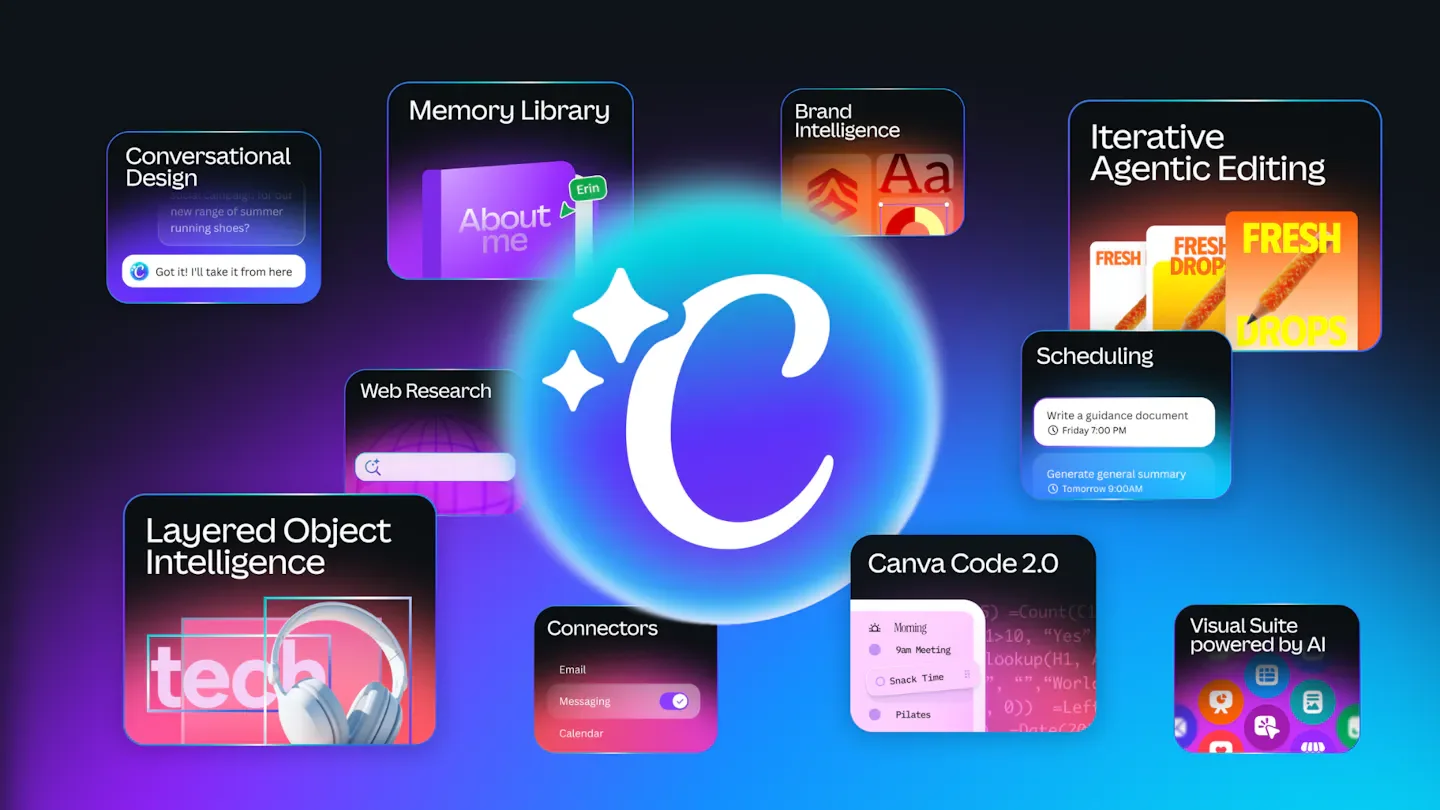
In addition to basic layouts, it brings photo editing, video editing, captions, AI generation, and translation tools into a single environment, reducing the need to switch tools during content creation. Brand kits centrally manage fonts, colors, and logos, and teams can share templates, comments, and collaboration; Pro additionally includes social content scheduling. Free and paid versions differ in assets, storage space, and AI quotas, and some tools are subject to fair use limits.
Features
- Drag-and-drop design and templates: Create various types of content such as social graphics, presentations, documents, and websites using a drag-and-drop editor and ready-made templates.
- Multimedia asset library: Provides photos, graphics, icons, videos, and audio assets, with the availability of free and paid assets depending on the plan.
- Photo editing and AI retouching: Provides cropping, composition, blurring, text addition, and color adjustment, as well as background removal, object removal, magic expand, and content replacement tools.
- Video editing and conversion: Trim, split, and merge clips, add text, transitions, and music, and provide conversion tools for video formats such as MP4 and GIF.
- AI content generation: Provides image, video, voiceover, music, and sound effect generation tools, with available features and usage quotas depending on the plan.
- Captions and language conversion: Generate video captions, convert speech to text, and provide video translation and AI dubbing tools.
- Animation and beat sync: Apply animations to text, photos, and motion paths, and use beat sync tools to time visuals with music.
- Resizing and file export: Adjust the dimensions of designs, images, or videos, and export designs into formats like PDF, JPG, and PNG; advanced auto-resize is provided based on the plan.
- PDF editing and conversion: Convert PDFs into editable designs, or turn documents, presentations, and images into PDFs, with additional compression and page deletion tools.
- Brand management: Centrally set brand fonts, colors, and logos, and build team templates; the Business edition additionally provides brand approval features.
- Team collaboration: Supports inviting members, real-time co-creation, comments, and task assignment. Management and permission tools vary by plan.
- Social content planning: Create, plan, and schedule social content within the platform. The Pro plan includes social media content scheduling.
- Text and data assistance: Provides tools for text summarization and translation, AI data analysis, formula generation, and quiz generation from text.
- Ad creation and analysis: Provides AI ad production and deep insights into ad performance. Actual tools and usage limits are subject to the plan and official limitations.
Use cases
- Independent creators use templates to create social posts, adjust photos and text, and export images. With Pro, they can proceed to schedule social publishing.
- Marketing teams maintain visual consistency with brand kits and shared templates, collaborating on campaign assets through co-creation, commenting, and approval workflows.
- Educational content creators trim recordings, add subtitles and music, convert existing PDFs into editable designs, and organize them into learning materials to accompany videos.
- Small businesses use AI ad creation and performance analysis tools to prepare marketing materials, and schedule generation work according to available plan quotas.
Categories: Design Resources, Visual Design, Social Templates, AI Productivity & Workplace, Image Generation & Design
Platforms: Web, Windows, macOS, iOS, Android
Pricing
Free and paid plans available. Team seats, applicable regions, and billing cycles are subject to the Taiwan official pricing page display.